Notion Integration
Written By Team BugSmash
Last updated 2 months ago
The BugSmash Notion Integration helps you automatically sync feedback from BugSmash to your Notion database, so your team can manage bugs, feature requests, and customer feedback directly from Notion.
Note: This is currently a one-way sync from BugSmash → Notion. Changes made in Notion won't sync back to BugSmash.
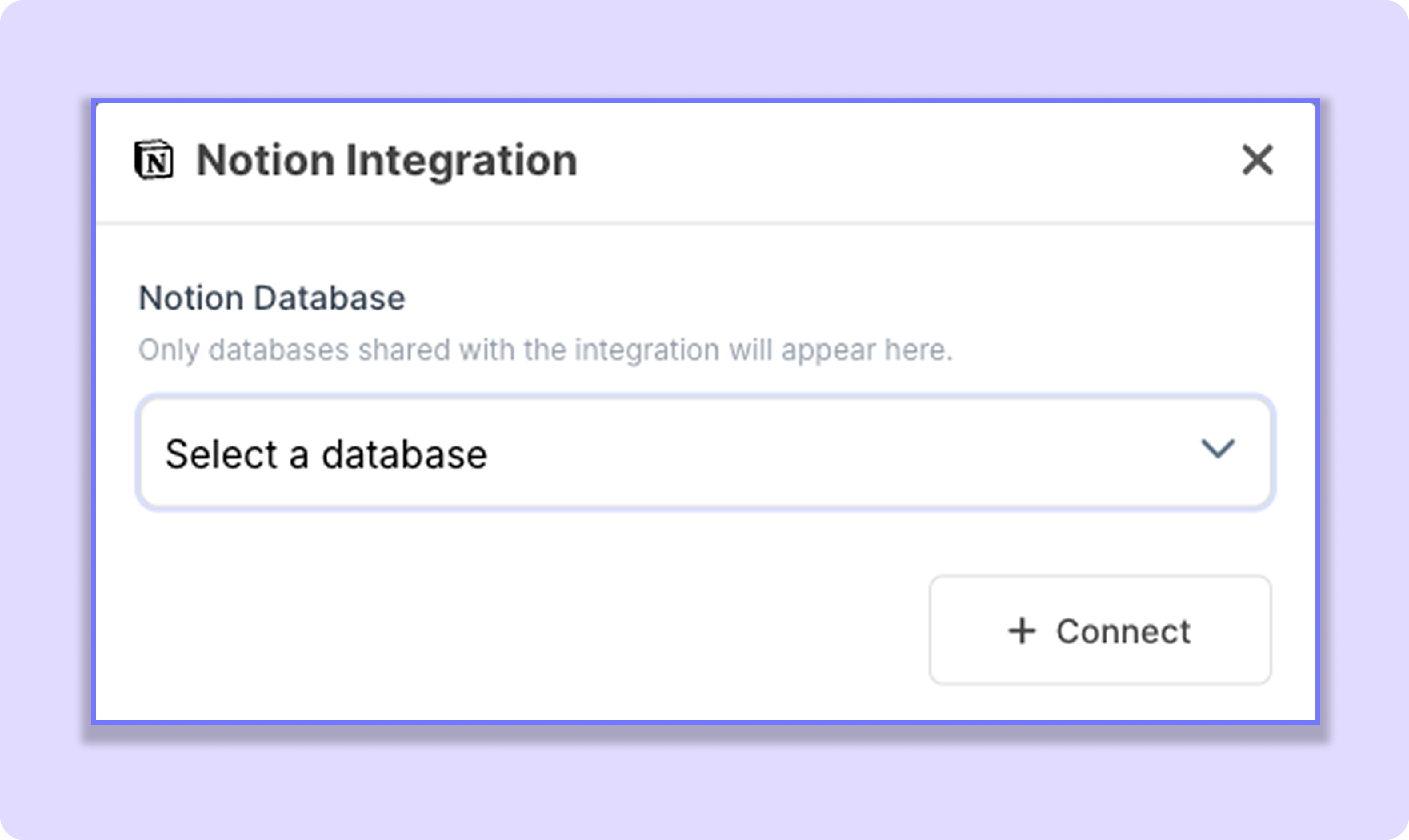
Connect Your Notion Workspace
Before connecting a project, you'll first need to connect your Notion workspace.
Steps
Go to Workspace Settings.
Open Integrations.
Select Notion.
Click Connect Notion.
Sign in to your Notion account.
Choose the pages and databases you want BugSmash to access.
Click Allow Access.
Note: Only the databases you share during authorization will be available inside BugSmash.
Connect a Project
Once your workspace is connected:
Open your BugSmash project.
Click Project Settings (top-right corner).
Open Integrations.
Select Notion.
Choose the Notion database.
Click Connect.
Your project is now connected and ready to sync.
What Gets Synced?
Whenever feedback is created or updated in BugSmash, the connected Notion database is automatically updated.
Supported events include:
✅ New Comment
✅ Comment Updated
✅ Comment Reply
✅ Comment Status Changed
Automatic Property Detection
BugSmash automatically detects the following properties in your Notion database.
This means you don't have to manually map these properties in most cases.
Rich Page Content
Every feedback item creates or updates a Notion page.
Instead of creating separate database properties for every detail, BugSmash adds the complete feedback directly inside the page.
Each page includes:
Project details
Submitter information
Feedback description
Screenshots
Attachments
Comment replies
Direct link to the BugSmash review
This keeps your database clean while giving your team all the information they need in one place.
User Mapping
If user names are different between BugSmash and Notion, you can map them once during setup.
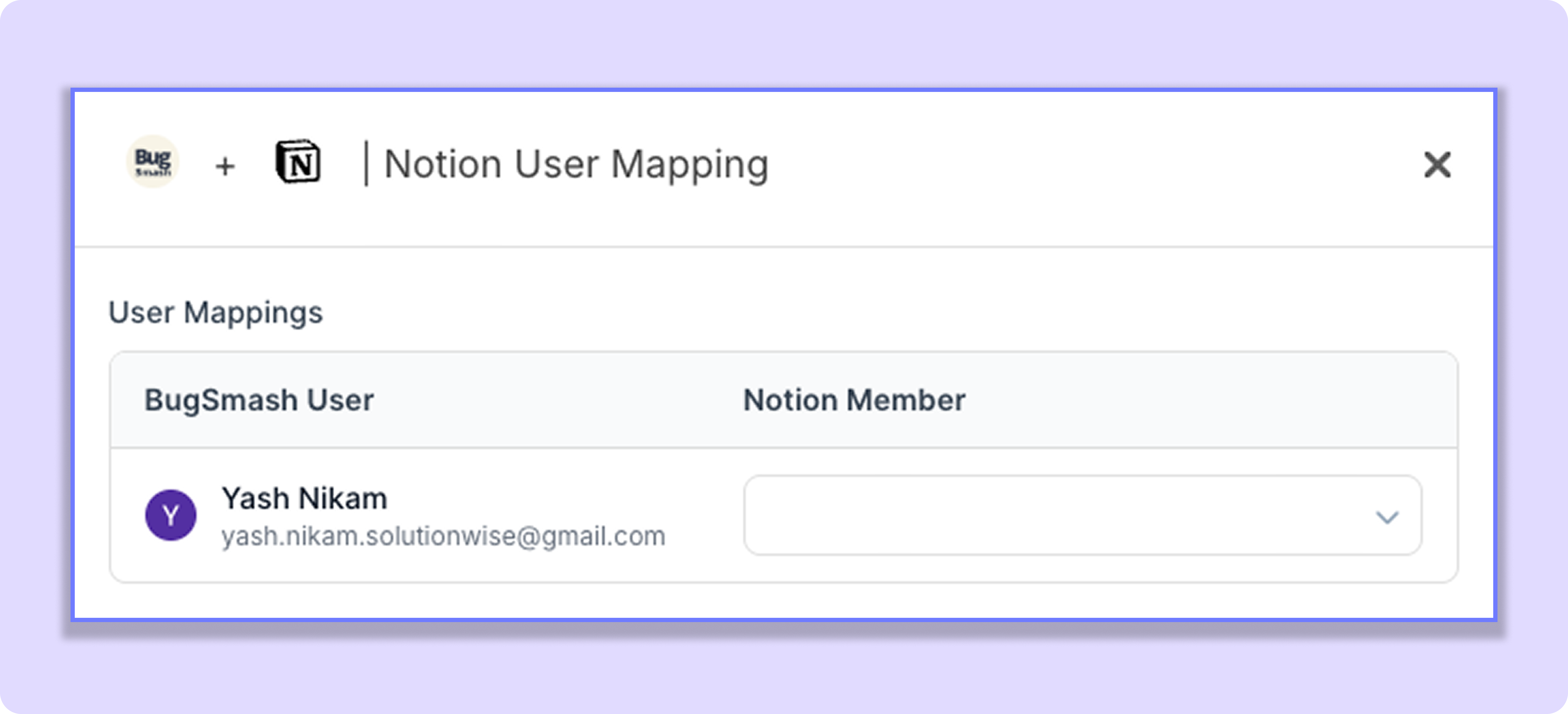
Example
Once mapped, BugSmash will automatically assign comments and updates to the correct Notion user.
Note: User Mapping only needs to be configured once.
Was this helpful?
Still need help? Ask the team