Changing Project Thumbnail
Written By Team BugSmash
Last updated 4 months ago
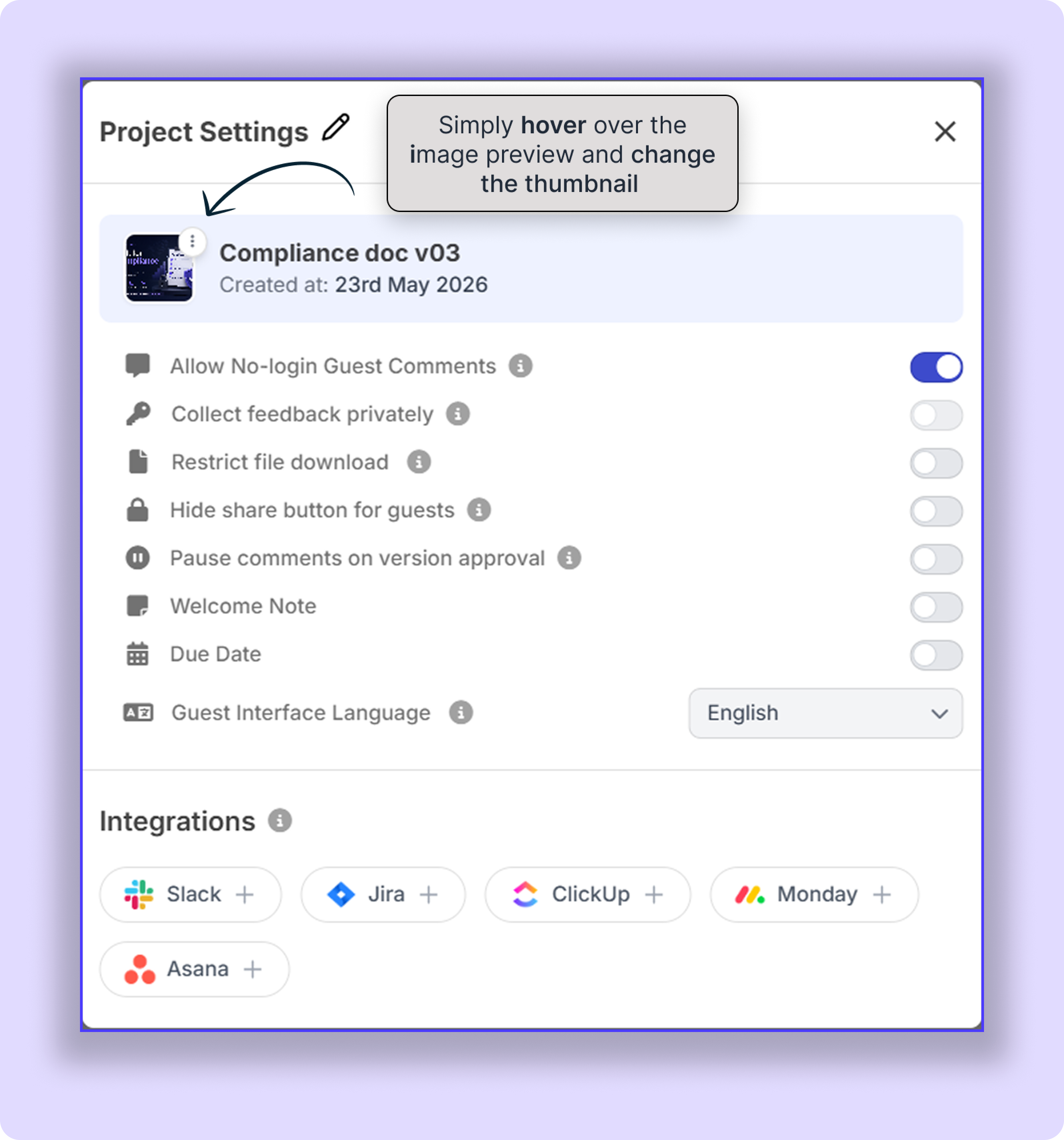
BugSmash automatically shows a thumbnail preview image for your project inside Project Settings/dashboard. You can manually change or delete this thumbnail anytime, depending on your workflow.
To manage the thumbnail:
Open Project → Project settings (Top right corner)
Hover over the thumbnail preview image
Click the (3 dots) menu
Choose:
Change Thumbnail
Delete Thumbnail
This is useful for updating outdated previews, adding branded visuals, or keeping easy-to-understand images for the preview.
Was this helpful?
Still need help? Ask the team