Collect Feedback Privately
Written By Team BugSmash
Last updated 4 months ago
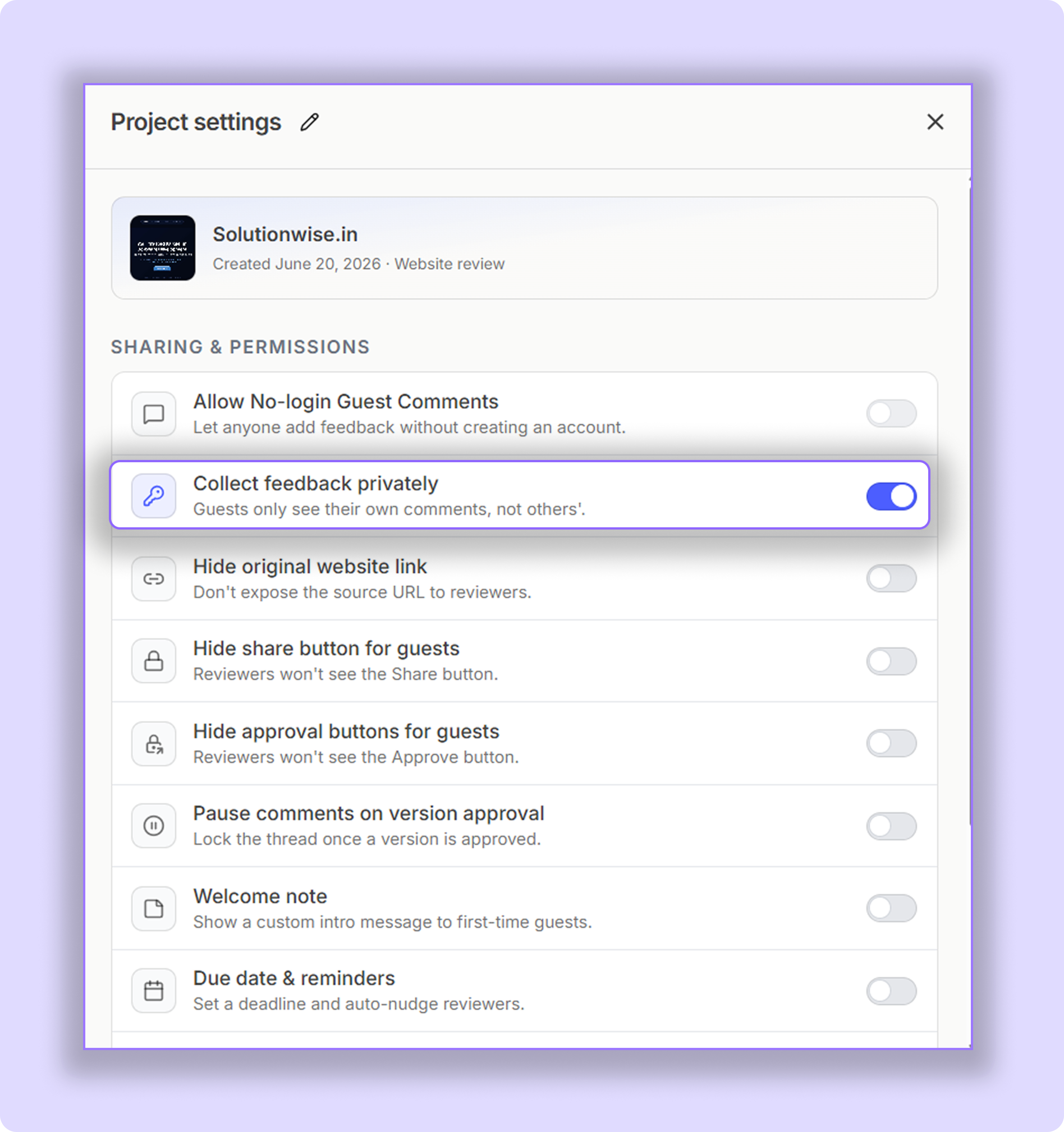
When enabled, guests and clients can only see their own comments and feedback inside the project.
They won’t be able to view:
Comments from other guests and members
Internal discussions
Workspace owners and members can still view all comments and feedback normally.
This is especially useful when collecting feedback from multiple clients or stakeholders while maintaining proper privacy so they cannot see each other’s comments. Also useful to avoid “BIAS” in feedback. We don’t want to cloud one’s judgment or thought process based on someone else’s feedback.
Important
You’ll need to disable “No-login Guest Commenting” before enabling this feature.
Private Comments
BugSmash also allows you to make individual comments private.
While adding a comment, you’ll see a “Private Comment” toggle inside the comment popup. Once enabled, that specific comment becomes visible only to the internal team (Owner & Members).
Guests and clients won’t be able to see those private notes.
This is useful for:
Internal discussions
Technical notes
Approval-related discussions
Tips & Best Practices
Use “Collect Feedback Privately” when sharing projects with multiple external stakeholders.
Use private comments for internal coordination without exposing discussions to clients.
Review private notes before final delivery to ensure all important changes are implemented.
Was this helpful?
Still need help? Ask the team