Bulk Upload Projects — Drag and Drop Files
Written By Team BugSmash
Last updated 4 months ago
BugSmash supports drag-and-drop uploads directly from the File Manager, making it much easier to organise files inside folders or dashboards without repeatedly uploading files one by one.
This workflow is especially helpful for managing multiple client files, screenshots, PDFs, videos, or project assets.
How To Use Drag & Drop
Open and minimise the File Manager
Select the files you want to move
Drag and drop them inside the dashboard or folder you want to organise
Once dropped, the files will automatically get added to the dashboard or selected folder
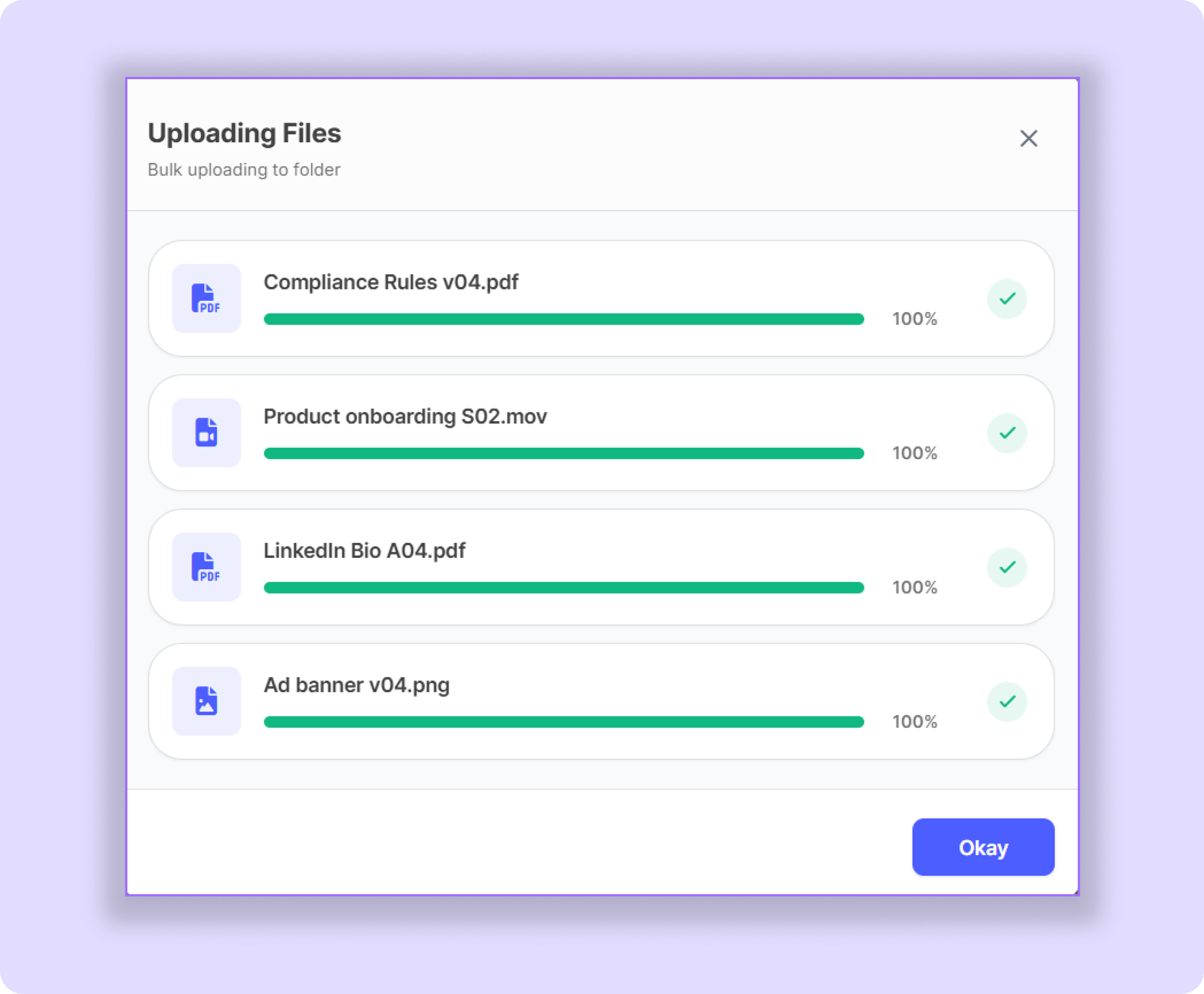
Example
Select multiple screenshots and PDFs from the File Manager and drag them directly into a client folder to organise the project faster.
Important Note
Only supported file types will work properly during drag-and-drop uploads. If any file does not upload correctly, please recheck the supported file format/size before trying again.
Pro Tip
Using drag-and-drop together with folders and subfolders can make large client workspaces much cleaner and easier to manage.
Was this helpful?
Still need help? Ask the team