Filtering Projects
Written By Team BugSmash
Last updated 4 months ago
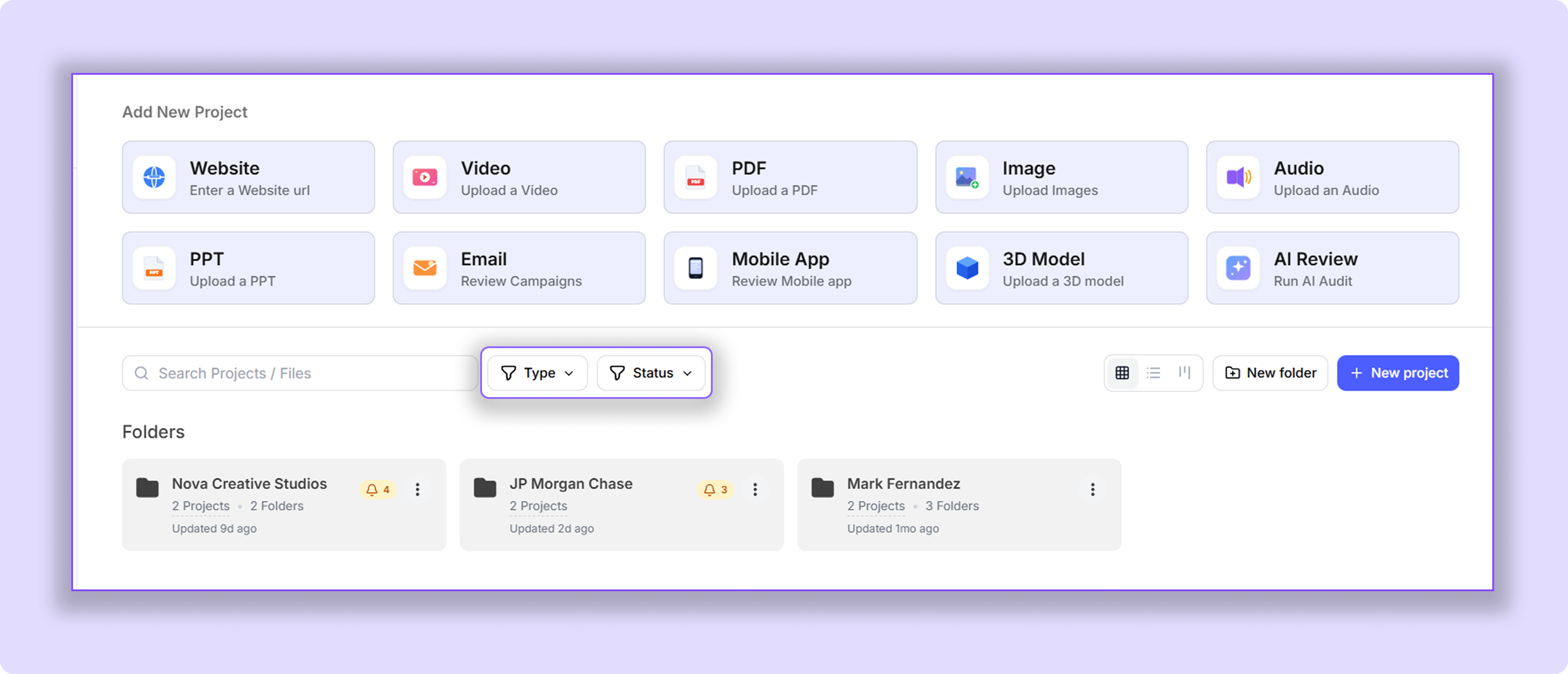
Quickly find the projects you're looking for by filtering them based on project type or review status.
Available Filters
Use the filters at the top of your Dashboard or inside a folder to narrow down the project list.
Project Type — Websites, Images, PDFs, Videos, Audio files, and other supported review formats.
Status — Pending, Approved, Approved with Changes, and Changes Requested.
You can also select multiple filters at the same time to quickly locate the projects you need.
Note: Filters only apply to the section you're currently viewing. Dashboard filters only affect projects on the Dashboard, while projects inside folders must be filtered from within that specific folder.
Was this helpful?
Still need help? Ask the team