AI Feedback Assistant
Written By Team BugSmash
Last updated 4 months ago
Why it’s useful
AI Feedback gives you instant, structured reviews of your work — before any human reviewer even opens the project. It helps catch usability, accessibility, UI, UX, and copy issues early, reducing revisions and speeding up approvals while ensuring higher quality output.
How it works
There are 2 ways to start an AI Review in BugSmash:
1. From the Home Page
- Go to Add New Project → AI Review.
- Upload or select the content you want reviewed.
2. From Inside Any Project
- Open any project (website, image, PDF, video, etc.).
- Click the AI Review popup label in the bottom-right corner to launch AI feedback for the current project.
After launching AI Review:
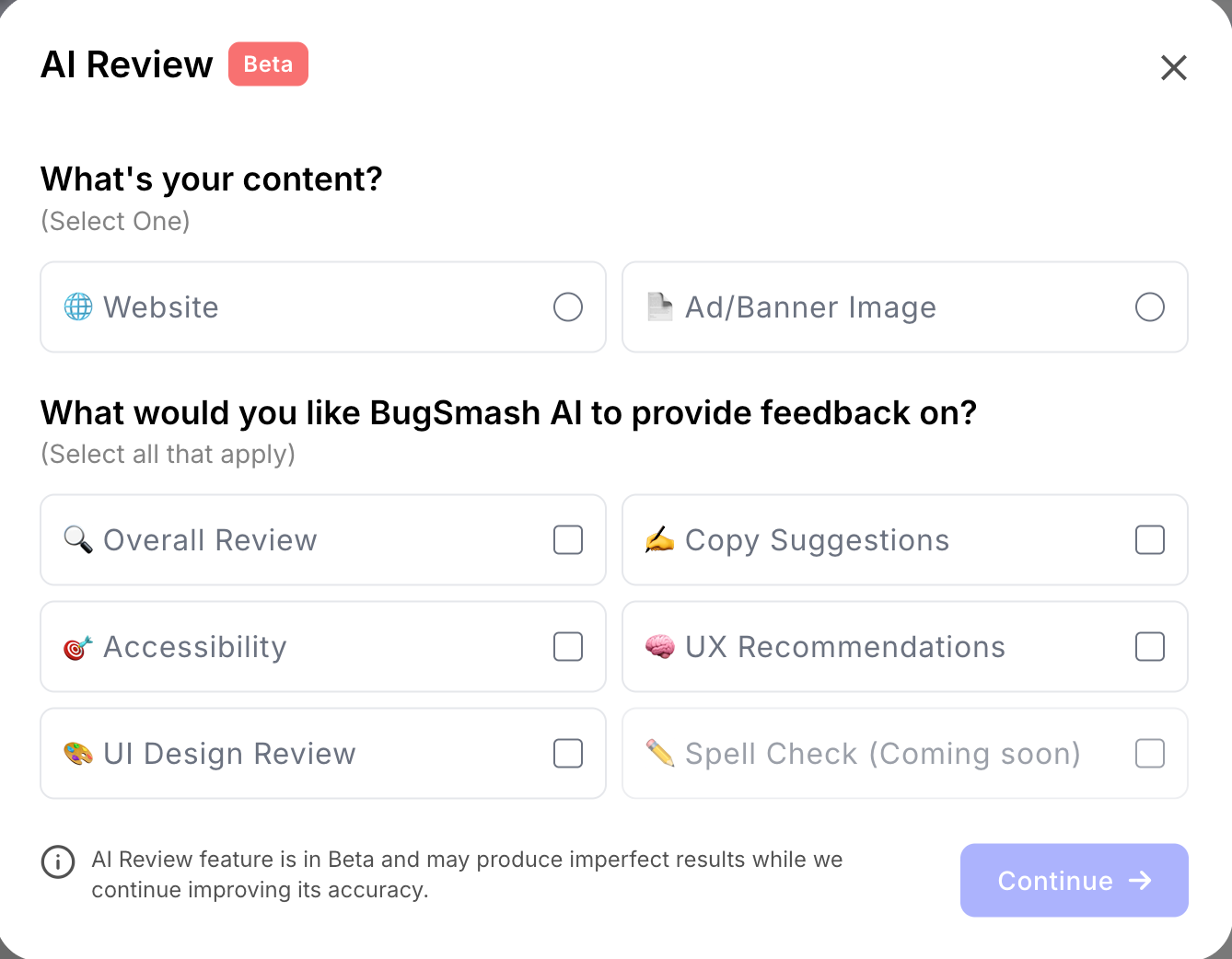
3. Select what type of content you’re reviewing (website, design, document, video, etc.).
4. Choose the type of AI feedback you want:
- Overall Review
- Accessibility Review
- UI Design Review
- Copy Suggestions
- UX Recommendations
- Spell Check (coming soon)
5. Click Generate Review to receive instant insights and recommendations.
Example
> A designer opens a website mockup and uses the bottom-right popup to start an AI Review → UI Design + UX Recommendations. The AI highlights low button contrast, inconsistent spacing, and confusing navigation — all before sending the link to the client.
Tips
- Always select the correct content type for more accurate feedback.
- Combine multiple review types for deeper insights.
- Use AI feedback as a first-pass review before collecting team or client comments.
- Re-run AI Review after making changes to validate improvements.
Was this helpful?
Still need help? Ask the team