Folder Sharing
Written By Team BugSmash
Last updated 9 months ago
Why it’s useful
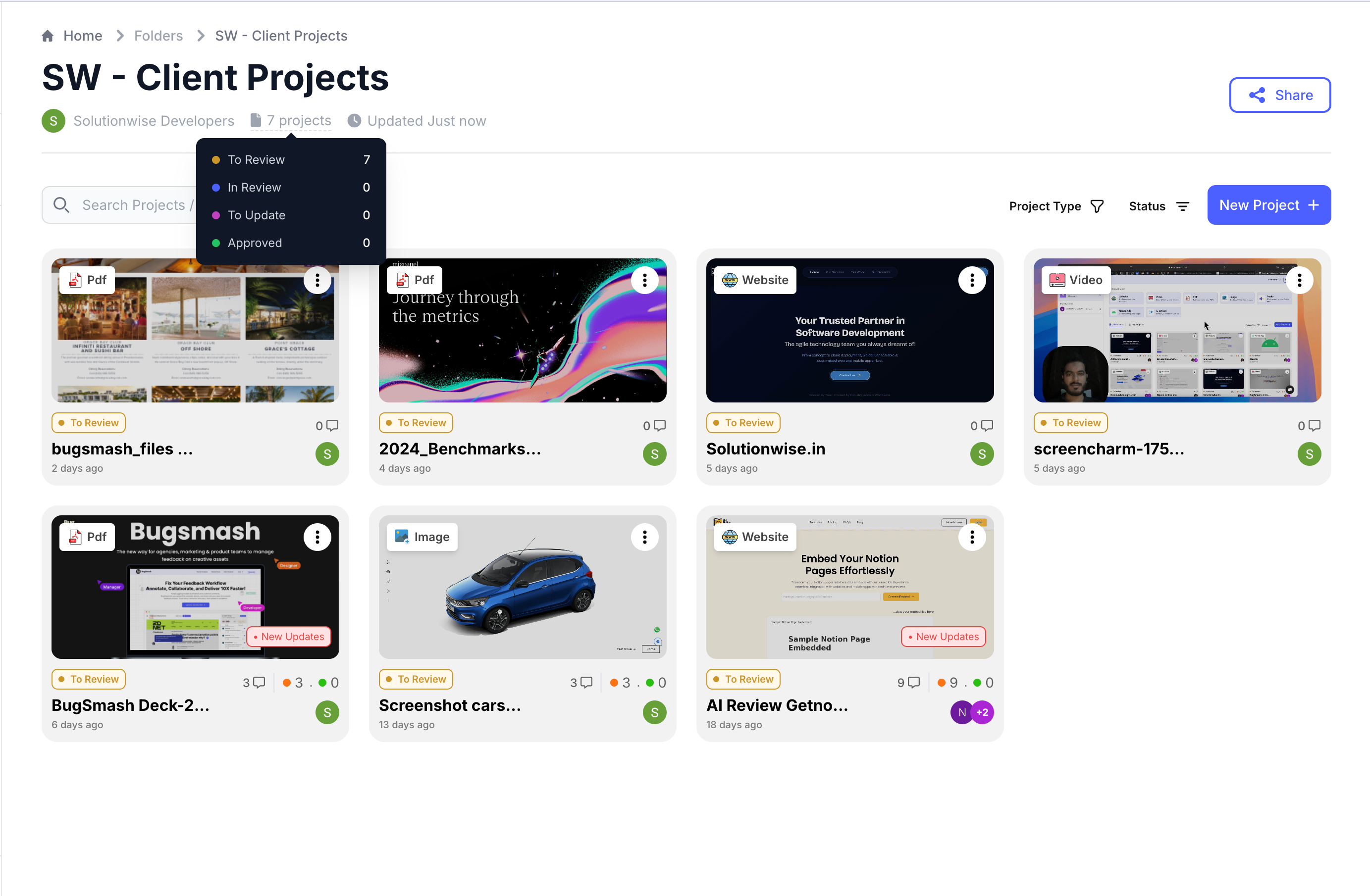
Sharing projects one by one doesn’t scale when you’re working with clients or large teams. Folder sharing lets you group related work and grant access once—keeping everything organized and easy to manage.
How it works
- Create or open a folder in your workspace.
- Share the folder link instead of individual projects.
- Control access permissions at the folder level.
- Everyone with access can view all projects inside the folder.
Example
> A studio creates a “Client — Acme Corp” folder containing five projects. They share one folder link with the client, who can access all current and future projects added to that folder.
Tips
- Use folders to separate clients, internal teams, or phases of work.
- Add new projects to shared folders to grant access automatically—no reshares needed.
- Review folder permissions regularly to avoid overexposing old projects.

Was this helpful?
Still need help? Ask the team