How BugSmash Organizes Work
Written By Team BugSmash
Last updated 9 months ago
Why it’s useful
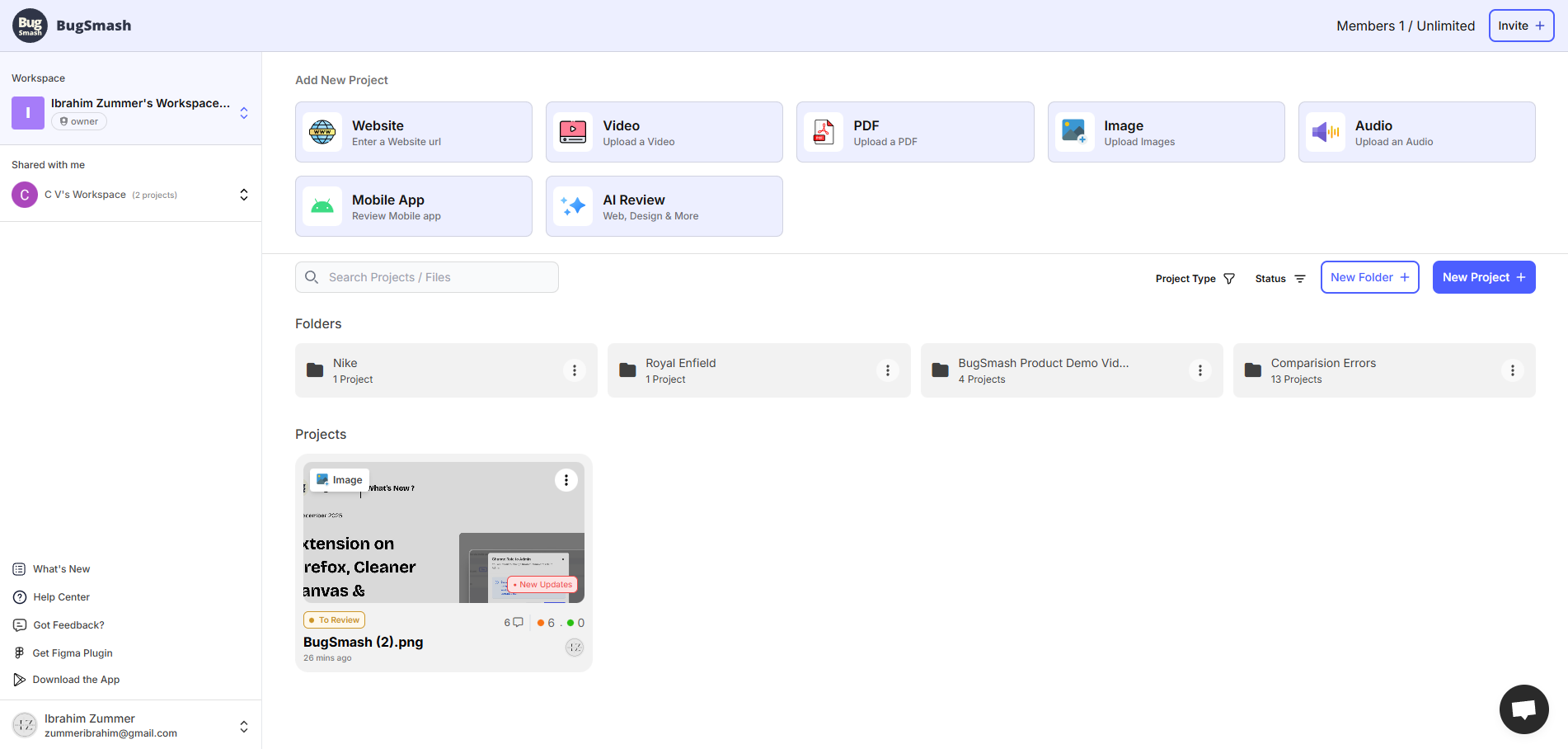
Without structure, feedback disappears into email threads and screenshots. BugSmash’s hierarchy (Workspace → Project → Version) gives everyone one place to look.
How it works
- Workspace: Your company or agency hub — users, billing, integrations, and settings live here.
- Project: A container for one deliverable or feedback stream (e.g., “Client A Website Redesign”).
- Version: Each iteration of that project.
Example
> A design studio “StudioNova” (workspace) runs five client campaigns.
> Each campaign is a project; every design revision they upload becomes a version with its own comment history.
Tips
- Keep workspace names company-wide, not personal.
- Give every project a clear noun + verb + client (“Homepage Update – Client A”).
- Use versions instead of replacing files — you’ll preserve comment context.
Was this helpful?
Still need help? Ask the team