Allow No - Login Guest Comments
Written By Team BugSmash
Last updated 4 months ago
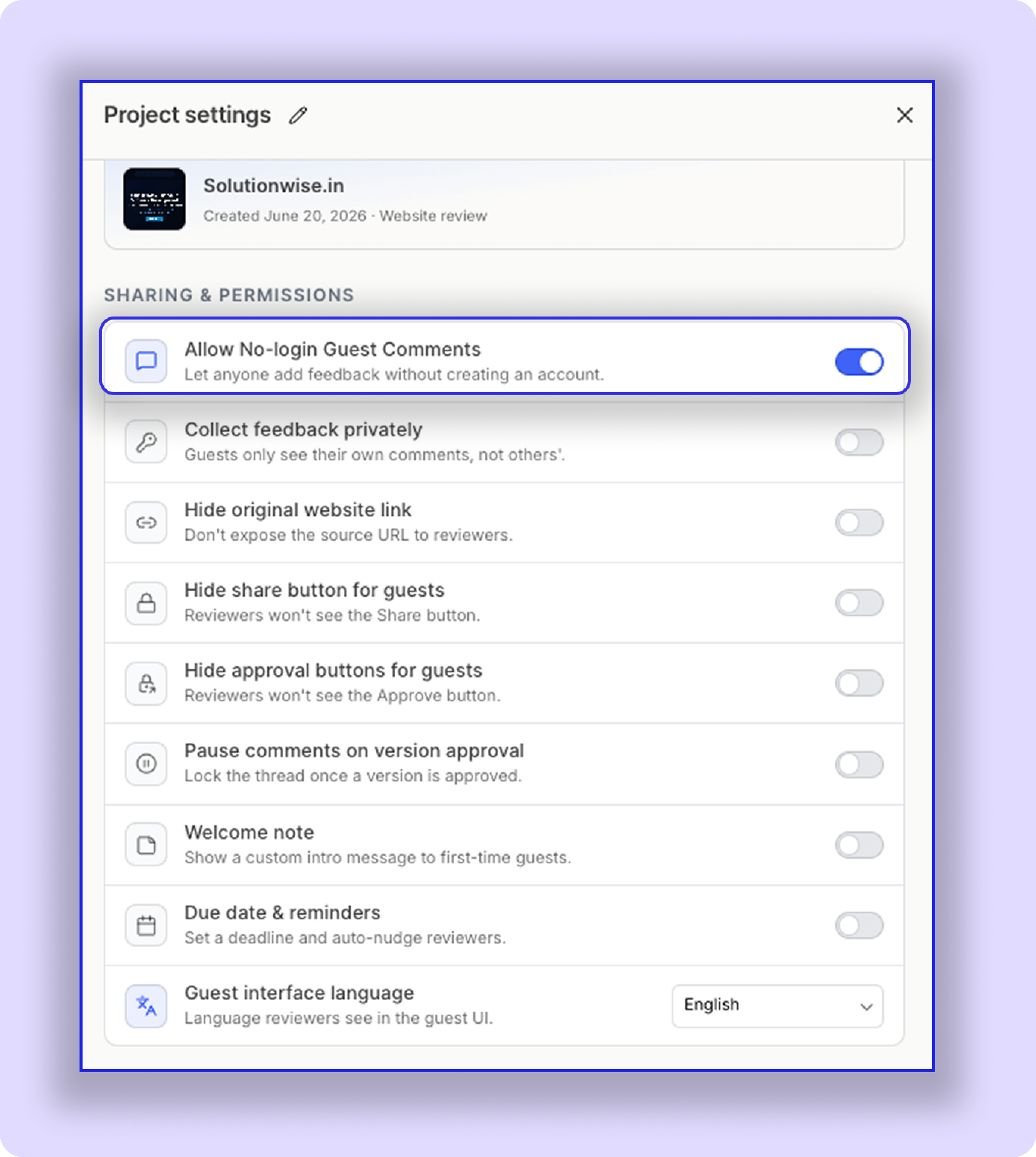
This allows guest reviewers, like clients & Stakeholders, to access the project without signing up. They can add comments, replies simply by entering their name (Note: Clients can even change the status or approve the version just by entering their email).
Example
The client opens the shared project link from email, Slack, or any other channel
enters their name
adds new comments and replies to the feedback
suggests new changes and adds a file for reference
and leaves - all without signing up with BugSmash.
Important
Your project must be Public for this feature to work correctly. (Check inside share settings)
If you upgraded your plan later, you may need to enable the setting for older projects manually.
Note
Disable this setting if you want your clients to enter their email address to log in so they receive all project-related notifications, due date alerts, etc.
Was this helpful?
Still need help? Ask the team