Project Approvals
Written By Team BugSmash
Last updated 3 months ago
Why it’s useful
Getting client sign-off shouldn't require creating accounts, remembering passwords, or going through multiple verification steps.
With Project Approvals, reviewers can approve a project directly from their review link, helping teams move from feedback to final approval faster.
How it works
Invite clients or reviewers to a project via email.
They receive an email notification with a direct review link.
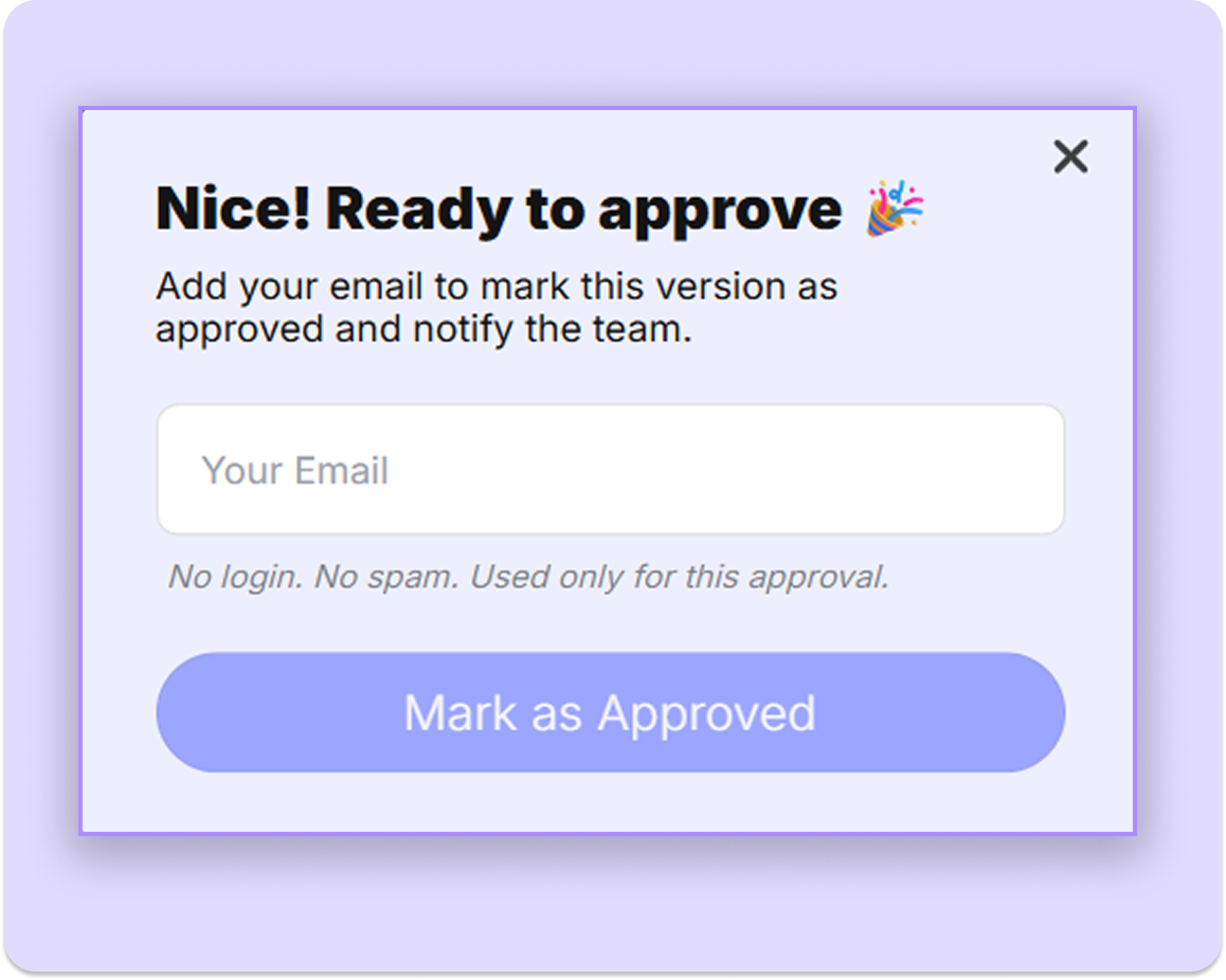
Once they're ready, they can review the latest version and approve the project.
No account creation is required.
If they were invited via email, they won't need to re-enter their email address during the approval process.
Example
A project manager shares a website review with a client for final sign-off.
The client opens the review link from their inbox, reviews the latest changes, and approves the project in a few clicks without creating an account.
Managing Approvals
Project approvals can be updated whenever needed, making it easy to continue discussions or request additional changes after an approval has been submitted.
If you don’t want your guest reviewers to approve the project, you can hide the approval button for the guest users from the Project Settings.
You can also enable Pause Commenting on Approval. When enabled, guest reviewers will no longer be able to add new comments once the project has been approved, helping teams to lock feedback and move confidently into delivery.
Tips
Invite stakeholders via email for the smoothest approval experience.
Encourage reviewers to leave comments alongside approvals for additional context.
Share approval requests only with decision-makers to keep ownership clear.
Use Pause Commenting on Approval when you want to prevent new feedback after a project has been approved.
Review approval history when tracking project decisions and client sign-offs.
Was this helpful?
Still need help? Ask the team