Creating Your Account
Written By Team BugSmash
Last updated 4 months ago
1. How It Works (Create your BugSmash account)
Go to bugsmash.io → click the Login button on the top right of the website
Or go directly to - https://tools.bugsmash.io
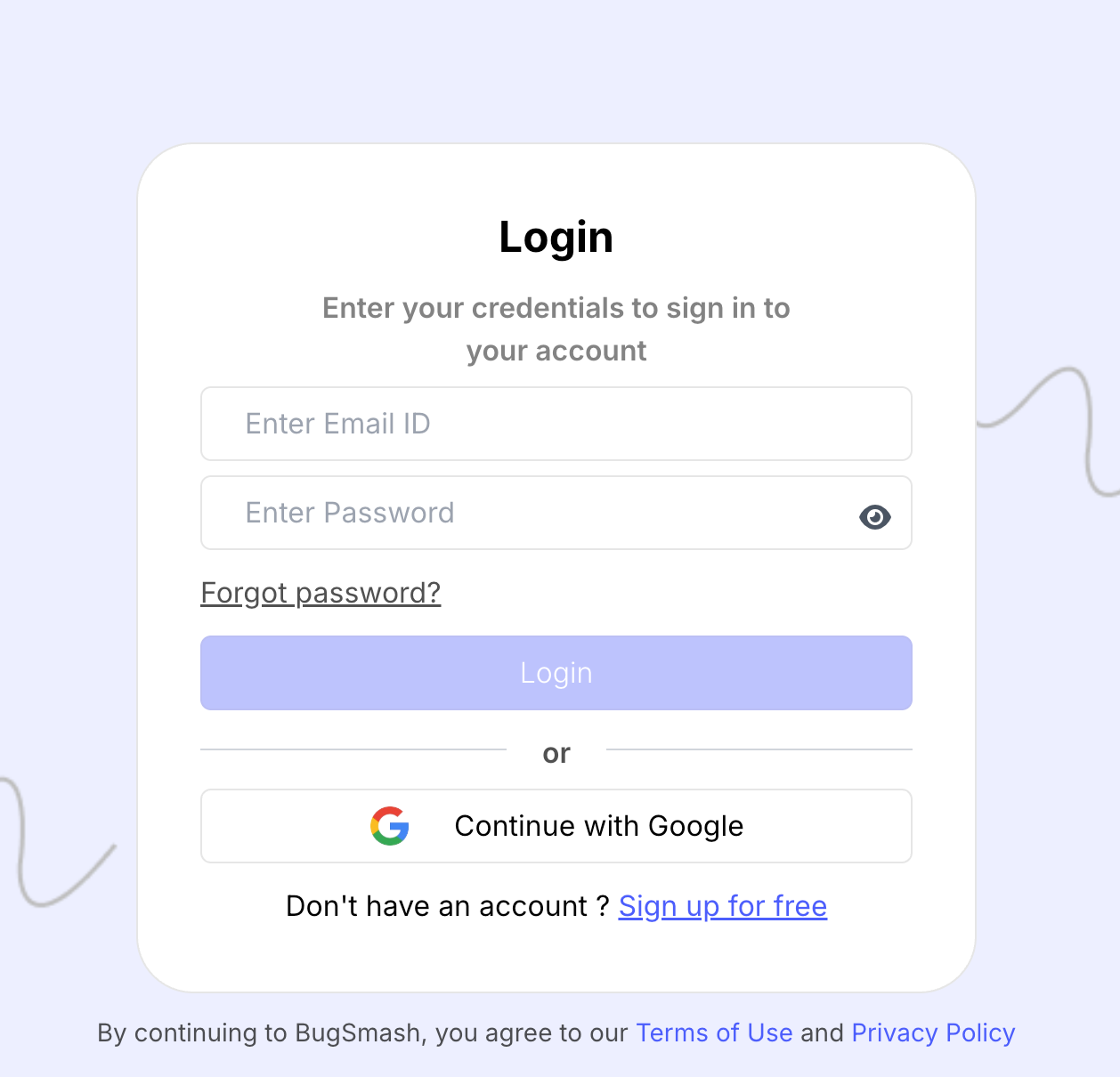
2. Choose how you want to sign up
You can continue using:
Email/password
Google
3. Verify your email
Complete email verification for security and account recovery.
4. Complete the onboarding setup
Finish the short 10-second onboarding to set up your workspace and get started.
Why this matters
Creating an account is the first step towards managing feedback in a more organised and structured way.
Tips and Best Practices
A design agency owner signs up using their company email (e.g., name@company.com) and invites teammates using emails from the same domain. This makes the workspace look more professional and easier to manage.
Use your company email for clear ownership and better team management.
Each workspace has one owner → “choose the sign-up accordingly”
Was this helpful?
Still need help? Ask the team