Getting Help & Next Steps
Written By Team BugSmash
Last updated 4 months ago
Why it's useful
Whether you're getting started with BugSmash, exploring a new feature, or need assistance with a workflow, there are multiple ways to find answers and get help from our team.
Help Center
The Help Center contains step-by-step guides, tutorials, and feature documentation to help you get the most out of BugSmash.
You can access it anytime from:
Sidebar → Help Center
Use the search bar to quickly find articles related to specific features, workflows, integrations, and best practices.
Reporting an Issue
Facing an issue or something isn't working as expected?
There are multiple ways to report issues and reach our team.
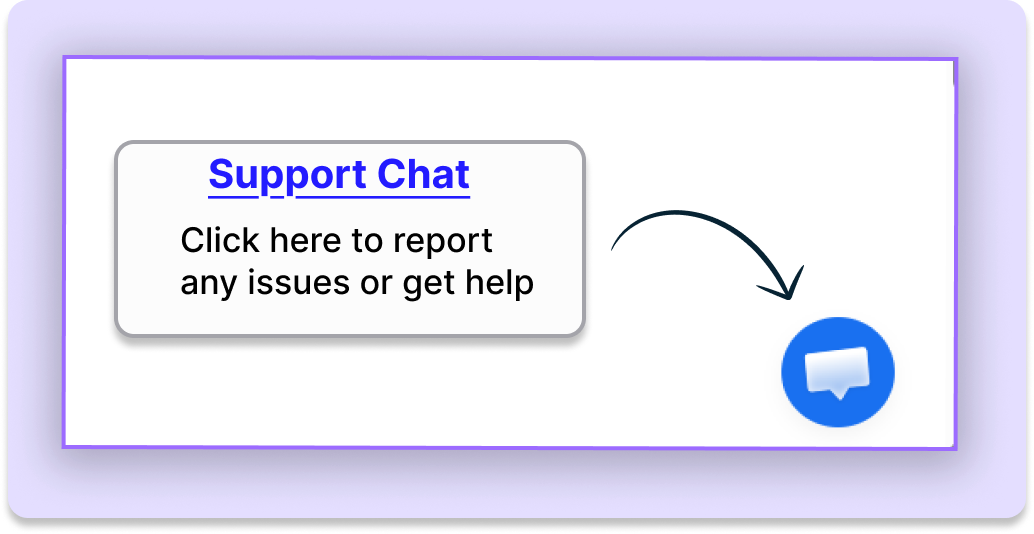
1. Support Chat (Recommended)
The quickest way to get help is through the built-in support chat available in the bottom-right corner of the BugSmash dashboard.
Simply open the chat widget and share the issue you're facing. Our team will review the details and help you troubleshoot the problem.
To help us investigate faster, please include:
Project or review link
Relevant screenshots
Any error messages you're seeing
Additional context that may help us reproduce the issue
Providing this information helps us identify and resolve issues much faster.
2. Got Feedback
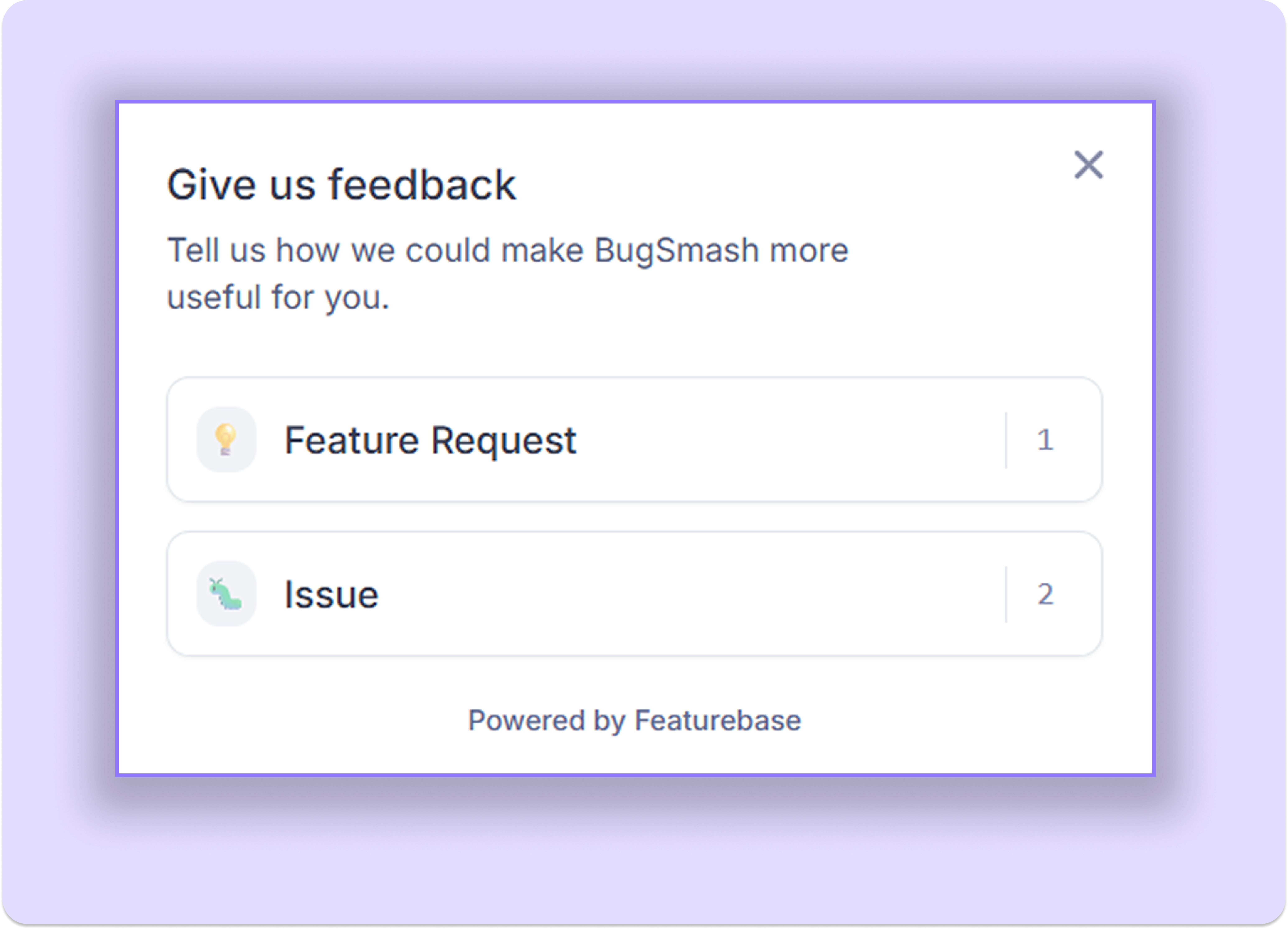
You can also report issues through:
Sidebar → Got Feedback → Issue
This option is useful for reporting bugs, sharing product issues, or highlighting workflows that aren't working as expected.
Note: Issues submitted through Got Feedback are visible on a public feedback board. Before sharing screenshots, links, or project details, make sure to remove any sensitive information, confidential data, internal URLs, client information, or other private details.
3. Additional Support
For detailed discussions or anything specific, you can also reach to us via email
Tips
Search the Help Center before reaching out to support, as many common questions are already covered in detail.
Use the support chat for the fastest assistance.
Include review links and screenshots whenever possible when reporting issues.
Provide as much context as possible so our team can investigate effectively.
Remove or blur sensitive information before posting publicly through Got Feedback.
Bookmark https://bugsmash.featurebase.app/help.
Was this helpful?
Still need help? Ask the team