How Integrations Work in BugSmash
Written By Team BugSmash
Last updated 9 months ago
Why it’s useful
Manually copying comments to ClickUp or Jira wastes time and introduces errors. Integrations let you sync feedback automatically so no issue gets lost.
How it works
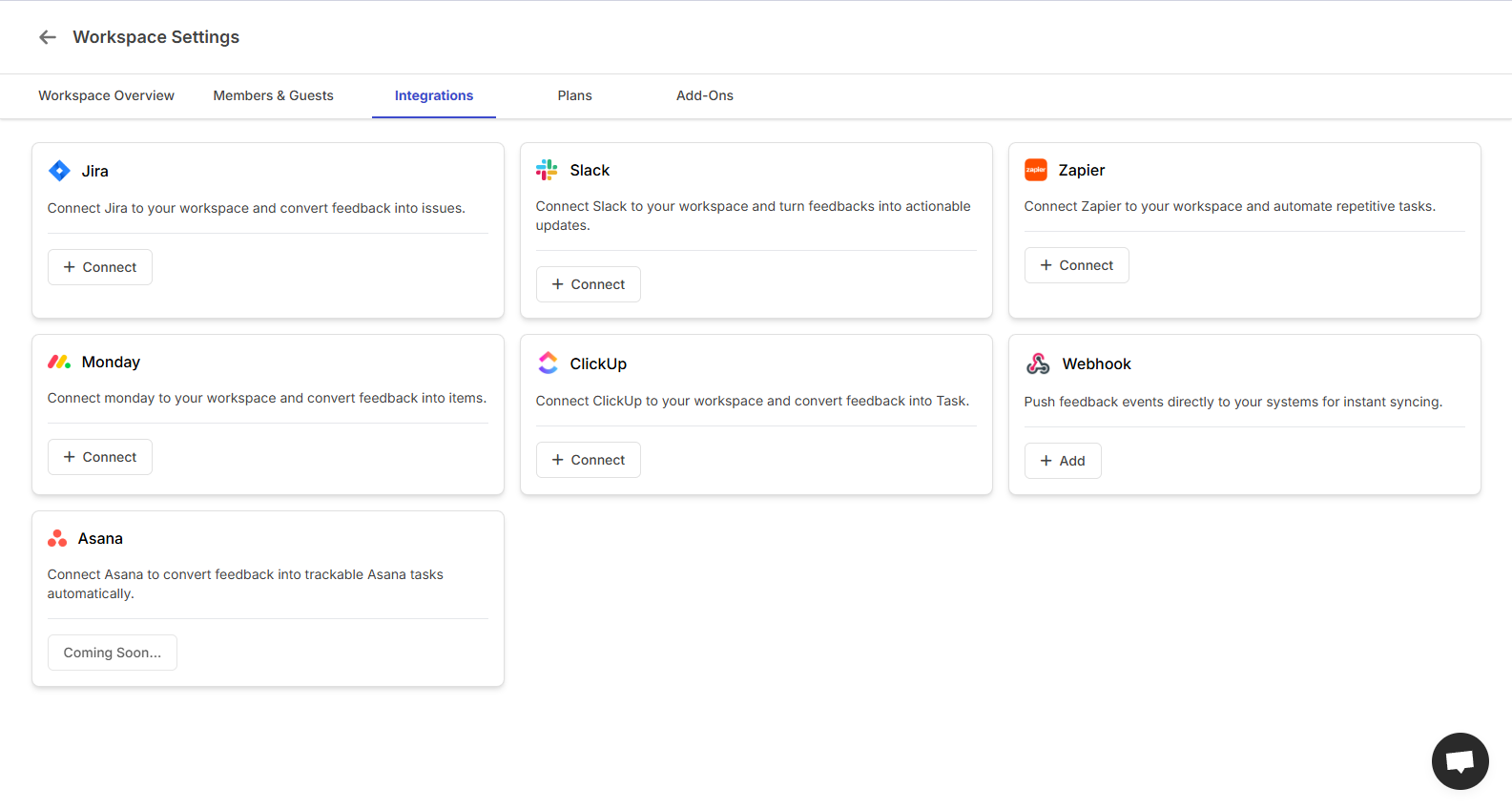
- Integrations are configured at two levels:
1. Workspace level: Connect your account (authenticating access).
2. Project level: Map where feedback should go (e.g., to which Jira project or ClickUp list).
- Once connected, every new comment can create a task in the linked platform with:
- Comment text
- Screenshot or attachment
- Author name
- URL link back to the BugSmash thread
> Currently supports one-way sync (BugSmash → Tool).
> Two-way sync (status updates and replies coming back) is on the roadmap.
Example
> A designer comments “Button misaligned on tablet view.” BugSmash automatically creates a Jira issue with that comment, screenshot, and backlink to BugSmash.
Tips
- Set up integrations before large reviews begin.
- Always connect via Workspace Settings to authorize once for all projects.
- Check the [Changelog](https://bugsmash.io/changelog) for upcoming 2-way sync releases.
Was this helpful?
Still need help? Ask the team