What's New — July 15th, 2026
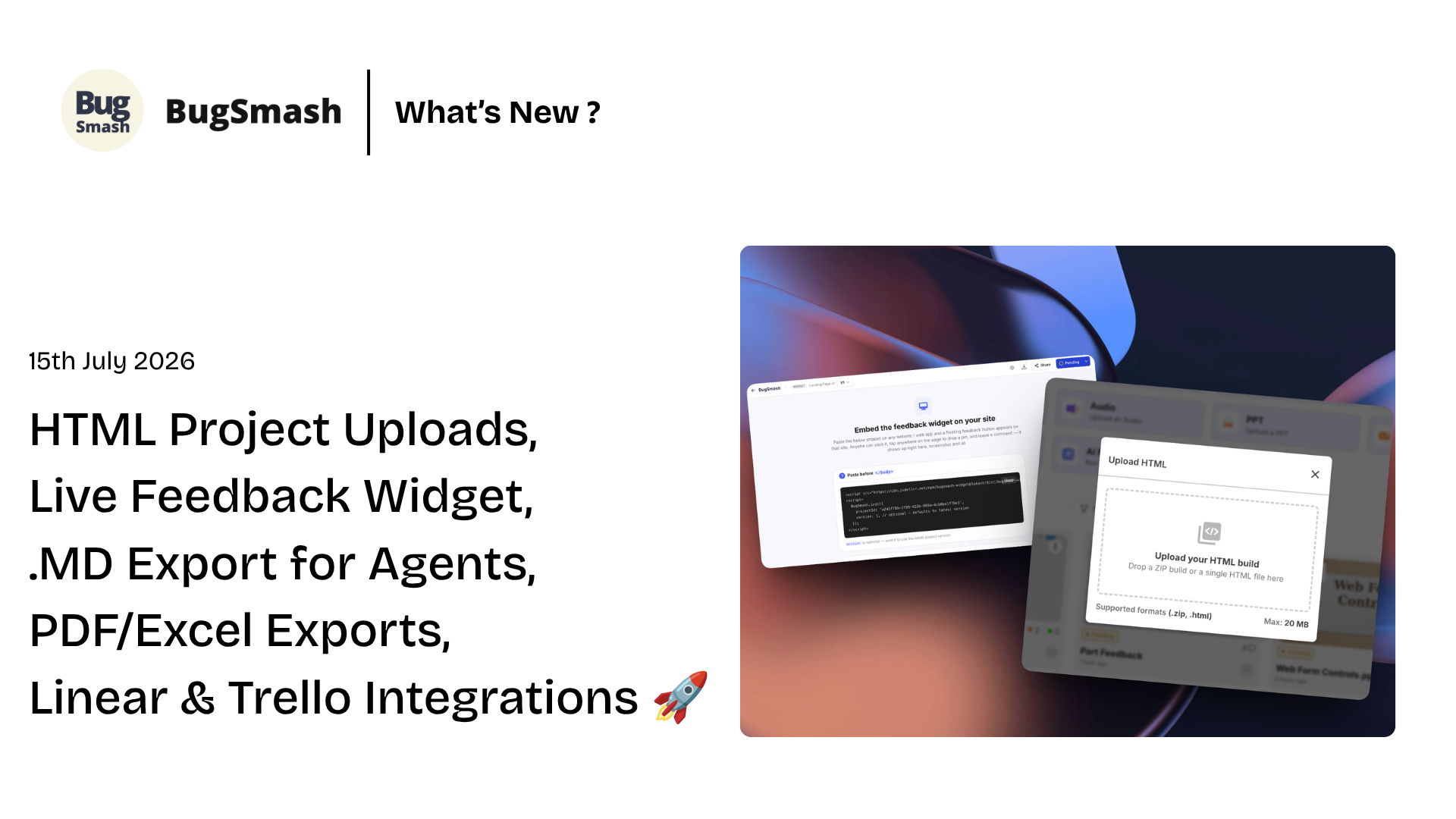
HTML Project Uploads, Live Website Feedback Widget, Comment Export for Agents, PDF/Excel Exports, Linear & Trello Integrations 🔥
A HUGE update 🚀
This release introduces some of our biggest features. From reviewing HTML projects and collecting feedback directly via floating widget, exporting for AI agents, integrating with Trello and Linear, and adding multilingual support to the entire dashboard - BugSmash is now faster, more flexible, and better connected than ever. We’ve also packed in several quality-of-life improvements across notifications, workspace defaults, and the overall review experience.
HTML Uploads

You can now upload HTML projects directly into BugSmash. Whether it’s a static website, landing page, or exported front-end build, you can now share them for review & feedback without needing to deploy it first. We see an increased number of HTML sites being generated via Claude, Codex & this feature aims to help you quickly drop the site on BugSmash without it being hosted anywhere & complete your review flow.
Live Website Feedback with the BugSmash Snippet

Collect feedback directly from your live, staging, or UAT websites & even web applications by adding the BugSmash js code snippet. Once installed, reviewers can click on the widget & submit feedback from within the website itself, making it easier for clients and stakeholders to report issues in context without switching tools.
Video Version Comparison

Compare different versions of your videos side by side with ease. Quickly review changes between iterations, validate updates, and ensure feedback is addressed without manually jumping between separate files.
Export Comments to PDF & Excel

Need to share feedback outside BugSmash? You can now export project comments as PDF or Excel files, making it easy to distribute feedback, generate reports, or collaborate with teams that work outside the platform.
Export for AI Agents
Export your project comments in both Markdown (.md) and JSON formats, complete with metadata that’s optimized for AI agents and automation workflows. Whether you’re using AI to process feedback, generate tasks, or build custom workflows, your project data is now easier to integrate.
Website Annotation

Annotate websites with greater precision using built-in drawing and markup tools. Highlight specific areas visually alongside your comments, making it easier to communicate design changes, UI issues, and review feedback.
Text Selection Comment Mode for Websites, PDFs, PPTs

Select and comment directly on exact text inside websites, PDFs, and PowerPoint presentations. Feedback is now attached to the exact text you’re referring to, reducing ambiguity and making reviews much more precise.
Multi-Language Support

BugSmash is now available in multiple languages across the entire platform. Teams around the world can collaborate in their preferred language for a more accessible and familiar experience.
Trello Integration

Connect BugSmash with Trello to turn feedback into actionable tasks in just a few clicks. Create Trello cards directly from comments and keep your project discussions and task management perfectly in sync.
Linear Integration

BugSmash now integrates with Linear, allowing you to convert feedback into issues without leaving your review workflow. Keep your product and engineering teams aligned by sending comments straight into your development backlog.
Comment Tags & Filtering

Organize feedback with custom tags. Categorize comments by priority, team, sprint, feature, or any workflow that fits your process, then quickly filter comments to focus on exactly what matters.
Unfollow Projects

You can now unfollow projects when you no longer need updates. Stay part of the project while opting out of notifications, keeping your inbox focused only on the work that’s relevant to you.
Also in this update:
The Notification Center is now even more powerful with Mark All as Read, archiving, and improved filtering to help you stay on top of workspace activity.
Improved image viewing with fixes for Height Fit and Width Fit behaviour, making image reviews smoother across different screen sizes.
Added a new workspace default to control whether the comment sidebar is open or collapsed by default across newly created projects.
This update was a HUGE one. I really appreciate all our users who suggested a lot of these features. Hope you all liked it ❤️
As always, more improvements are on the way. We’d love to hear your feedback and feature requests!