🗓️ March 20th, 2026
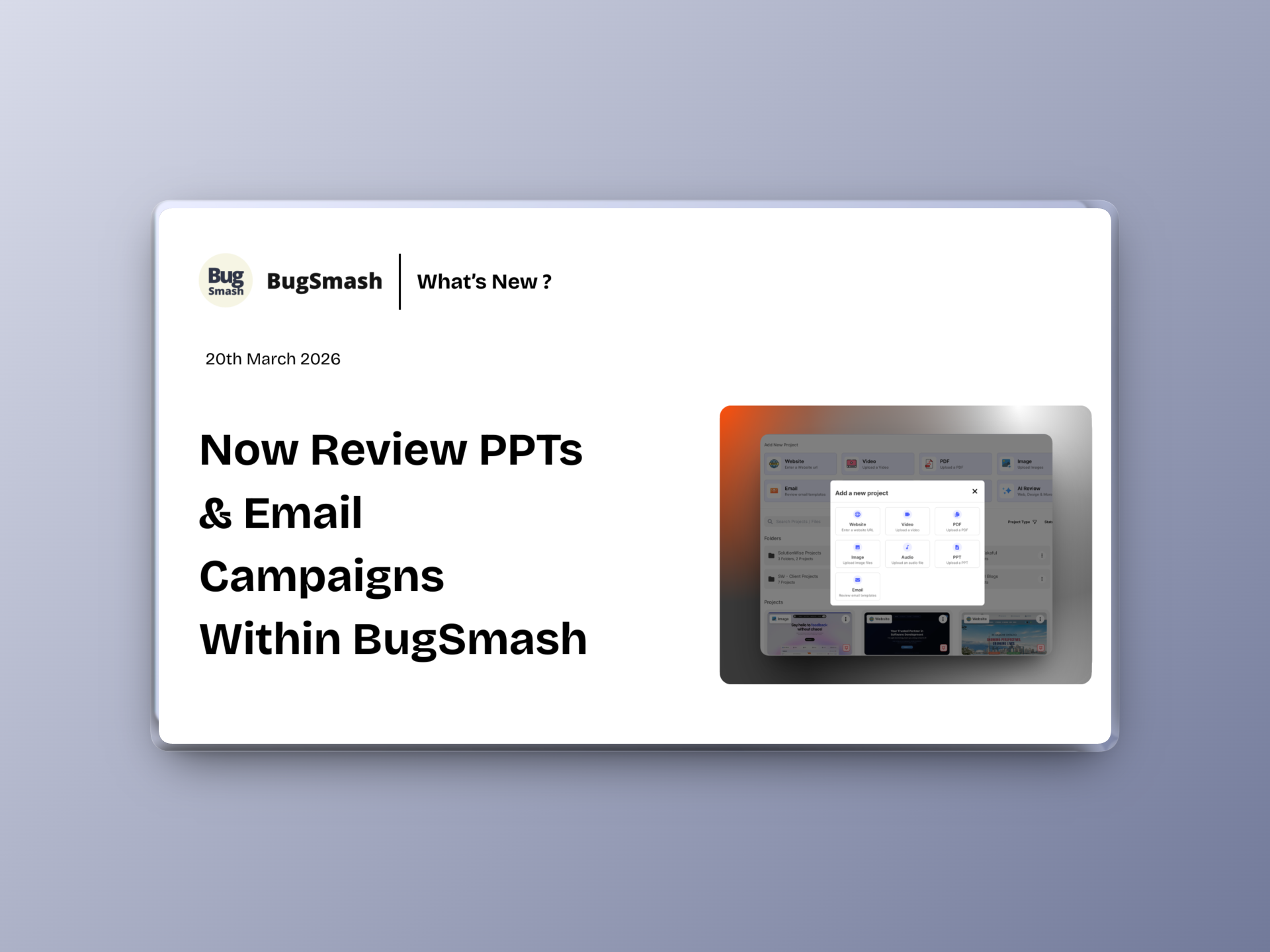
🚀 Now Review PPTs & Email Campaigns Within BugSmash
This update introduces new ways to review content with PPT and Email project types, strengthens folder-level access control, and improves project settings and screenshot consistency across all project types.
🆕 NEW: PPT Project Type
You can now create projects specifically for reviewing PowerPoint files.
This allows you to:
✅ Upload and review PPT presentations
✅ Add feedback slide-by-slide
✅ Collaborate on presentations with clear context
Perfect for decks, pitches, and client presentations.
📧 NEW: Email Review Project Type

You can now review emails directly inside BugSmash. For each email project, you can get a unique link from BugSmash. Just send your email template or test email to this Bugsmash email address → Then the email renders in BugSmash for you to collect & share feedback.
This helps you:
✅ Review email designs and content
✅ Add feedback on layout and copy
✅ Collaborate before sending campaigns
Ideal for marketing and communication teams.
🔒 NEW: Folder-Level Access Control for Collaborators

Access control is now more structured and secure.
What’s improved:
✅ Collaborators added to a folder are confined to that folder
✅ No access to root-level project creation
✅ Better control over workspace structure
Ensures cleaner boundaries and safer collaboration.
🎥 NEW: YouTube Video Review Support

You can now add YouTube links directly for video review in BugSmash.
This means:
✅ Review videos without uploading files
✅ Support for unlisted YouTube videos
✅ Share feedback directly on video content
⚙️ Improvement: Project Settings UI Updates
Project settings have been reorganized for better usability.
What’s changed:
✅ “Disable Commenting” toggle moved inside Project Settings
✅ Version (V1) and Status controls moved to the right
✅ Cleaner and more intuitive layout
📸 Improvement: Automated Screenshots Across All Project Types
Automated screenshots are now supported across all project types.
This means:
✅ Consistent screenshot capture everywhere
✅ Better visual context in feedback
✅ Improved reliability across different project formats