🗓️ January 27th, 2025
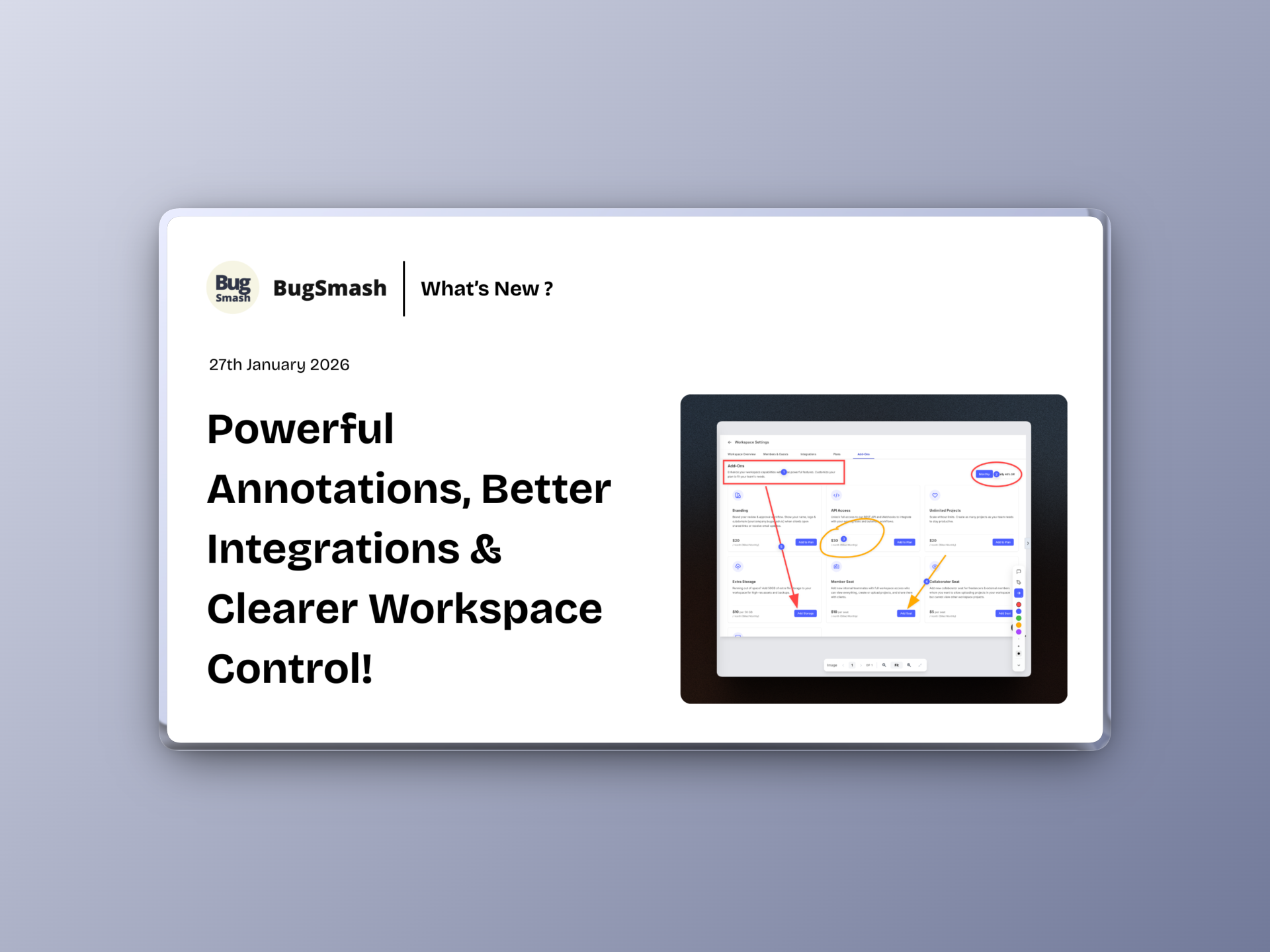
🚀 Powerful Annotations, Better Integrations & Clearer Workspace Control!
This update introduces a major upgrade to how feedback is captured across media types, improves ClickUp integration with user-level mapping, and refines navigation and workspace management for a smoother overall experience.
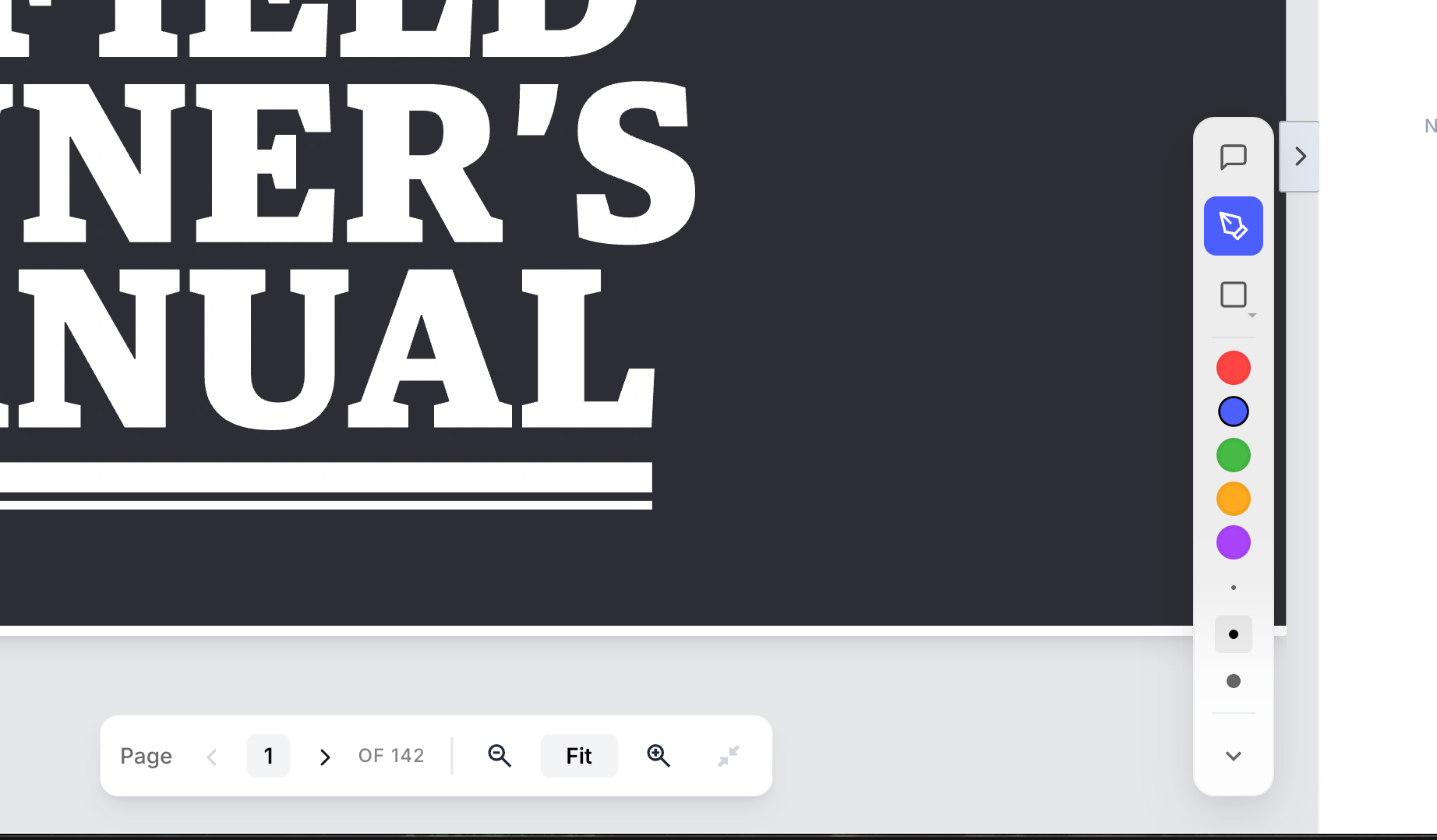
🆕 NEW: Annotation Tools for Images, PDFs & Videos
You can now add annotations directly across images, PDFs, and videos.
This enables richer, more precise feedback:
✅ Pen tool for free-hand annotations
✅ Shape tools (rectangles, outlines) to highlight areas
✅ Multiple color options for clearer visual context
✅ Precise point-and-mark feedback directly on content
Everything you need to communicate visually — in one place.
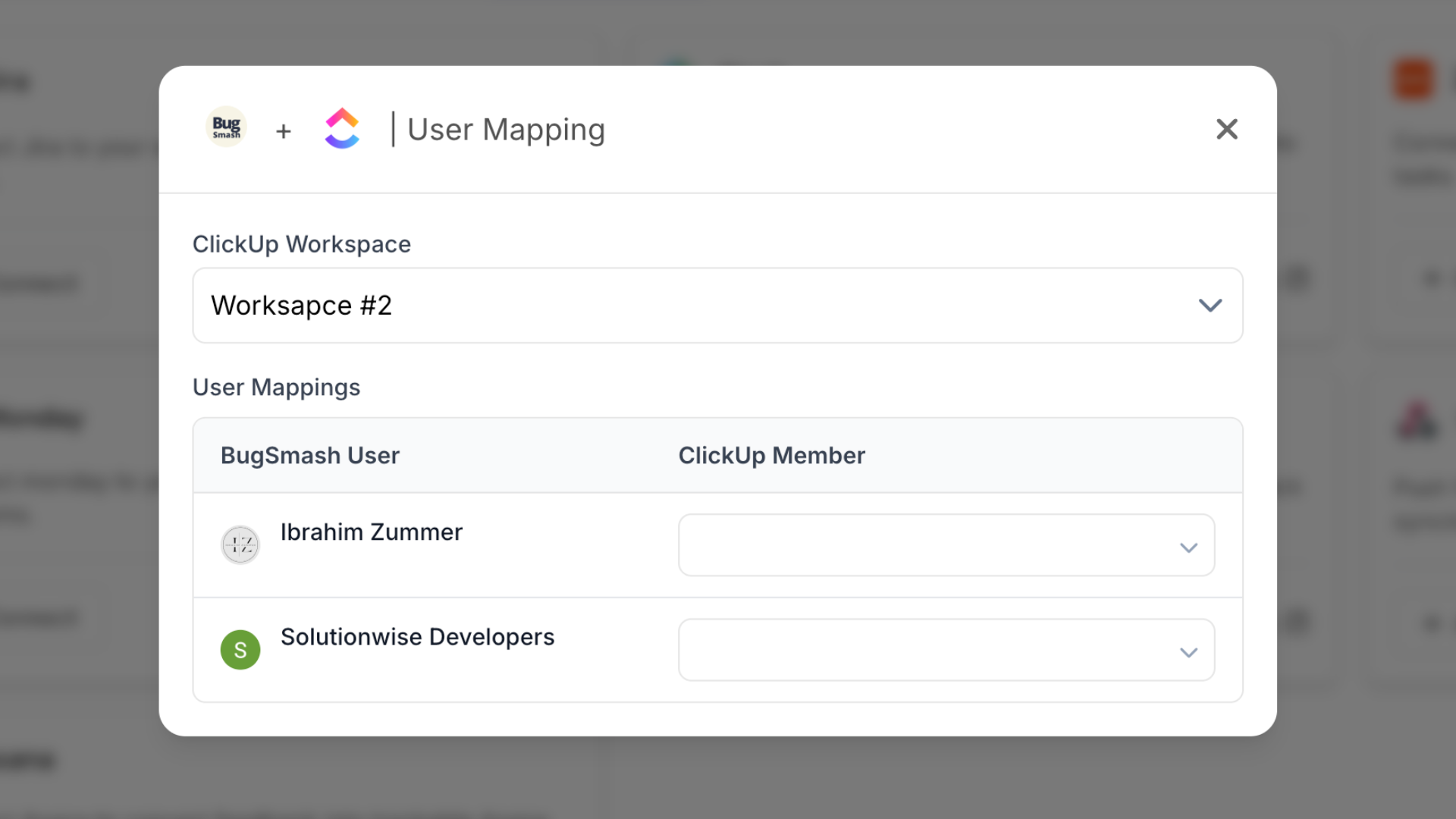
🔗 NEW: User Mapping for ClickUp Integration
ClickUp integrations just got smarter.
You can now map a BugSmash user to a ClickUp user.
This means:
✅ Assigning a comment in BugSmash automatically assigns it to the mapped user in ClickUp
✅ Assigning a task or comment in ClickUp syncs back to the mapped user in BugSmash
✅ No manual reassignment or duplicate work across tools
📊 Improvement: Plan Details Page with Usage & Limits
We’ve added a dedicated Plan Details page.
You can now:
✅ View all plan limits clearly
✅ Track usage at a glance
✅ Understand exactly what’s included in your plan
More transparency, fewer surprises.
🔙 Improvement: Smarter Back Navigation from Folders
Navigation has been improved when opening projects from folders.
What’s fixed:
✅ Back/Home now returns you to the folder you came from
✅ No forced jump back to the dashboard
✅ More intuitive project navigation
🚪 Improvement: Option to Leave Workspace or Project (Guests)
Guests now have more control over their access.
You can now:
✅ Leave a workspace you were added to as a guest
✅ Exit individual projects when no longer needed
✅ Keep your workspace list clean and relevant
Better control, less clutter.