🗓️ January 20th, 2025
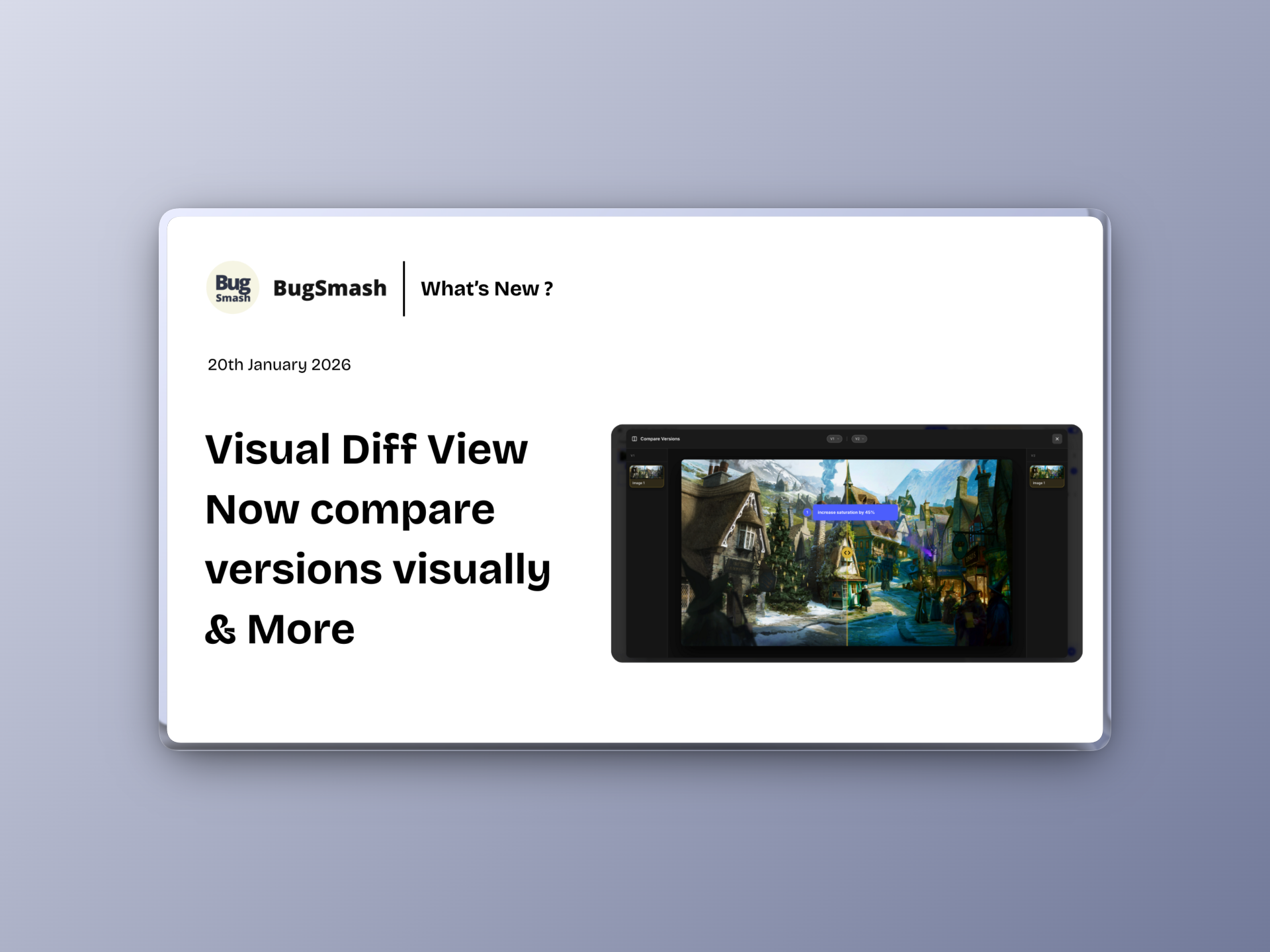
🚀 Compare Image & PDF project versions visually along with comments, get better image ordering & allows guests to edit/delete their comments even without logging in.
This update introduces a powerful new way to compare versions, improves how image projects behave, unlocks editing/deleting self comments for even non-logged in guests, and more. Overall, it makes reviews more visual, flexible, and reliable.
🆕 NEW: Diff View for Images & PDFs
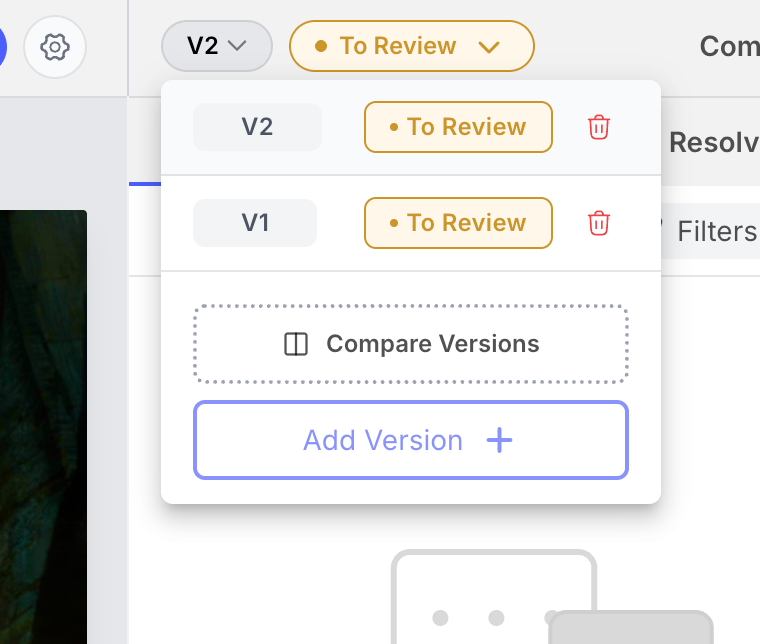
You can now visually compare versions using Diff View in image and PDF projects.
This helps you:
✅ See changes side-by-side across versions
✅ Compare comments given in previous version to how it translated in the latest version - All visually!
✅ Quickly spot visual differences
✅ Review design iterations with more clarity
Perfect for design reviews and version tracking.
✏️ NEW: Rename Images in Image Projects
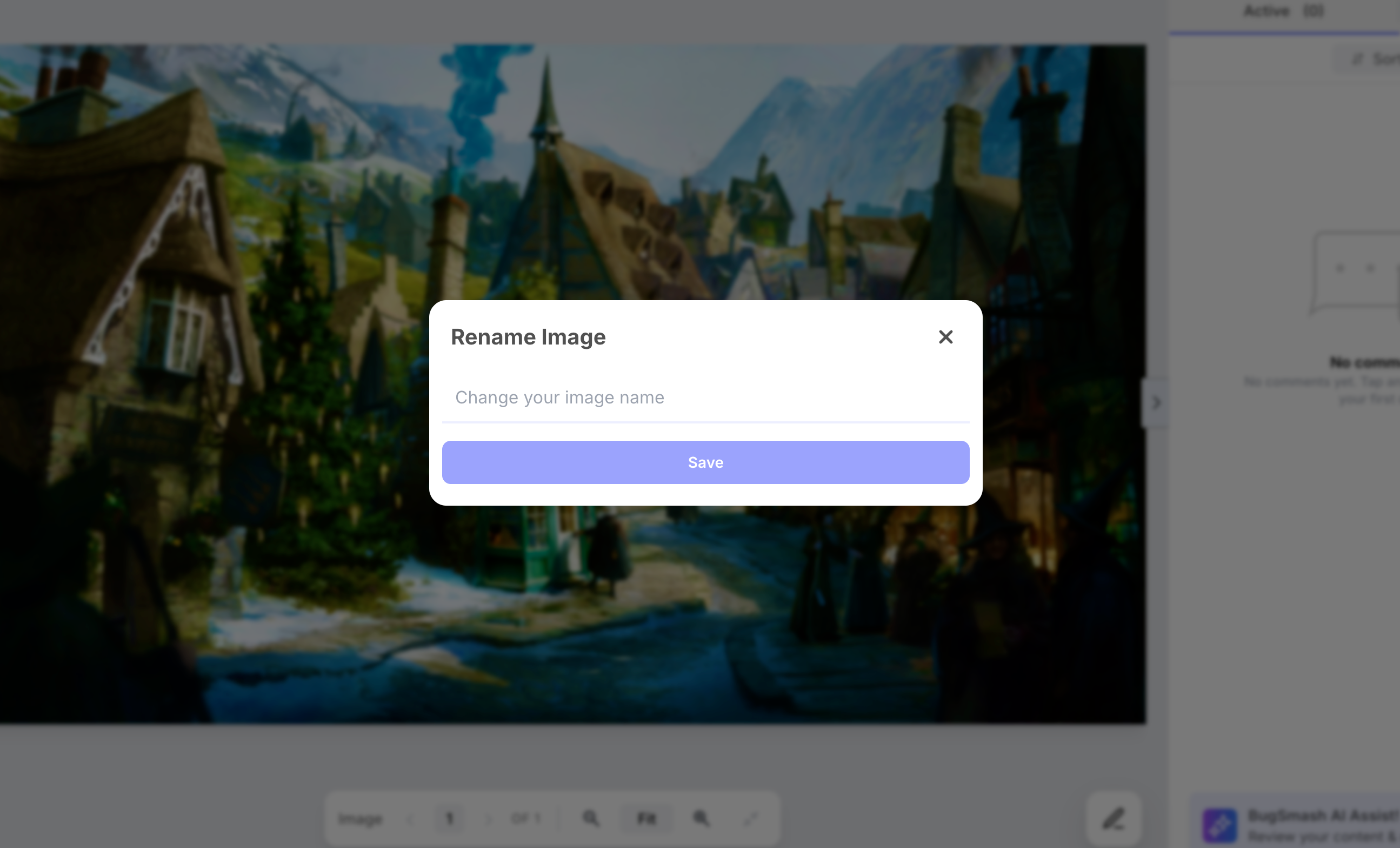
You can now rename images directly inside image projects.
This makes managing large image sets much easier:
✅ Rename images from the left-side thumbnail list
✅ Keep image names clear and meaningful
✅ Improve navigation while reviewing multiple images
🖼️ Improvement: Image Project Ordering
Image project behavior has been refined based on user feedback. (Thanks to Jessica who suggested this)
What’s improved:
✅ Newly added images now appear at the bottom
✅ Existing image order remains unchanged
✅ More predictable review flow for large image sets
💬 Improvement: Guest Comment Editing (No Login Required)
We’ve improved the guest commenting experience.
For not-logged-in clients/guests:
✅ Comments can now be edited or deleted
✅ Available for up to 24 hours after posting
✅ No login required
More flexibility without adding friction.
👤 Improvement: Assign Comments Without Pre-Invites
Assigning feedback is now easier. (Thanks to a few users who suggested this)
You can now:
✅ Assign comments to workspace members or guests
✅ No need to invite them to the project beforehand
✅ Speed up collaboration and accountability
🎨 Improvement: Workspace Branding
Workspace branding just got easier.
You can now:
✅ Add a custom subdomain right from the Workspace settings
✅ Create a more branded client experience
✅ Keep reviews aligned with your identity
Kindly visit the Pricing page in your workspace settings for availability within plans
📘 Improvement: Learn Links for Integrations
Every integration now includes a Learn link.
This makes it easier to:
✅ Understand how each integration works
✅ Access help docs quickly
✅ Get more value from connected tools
🛠️ Fix: Private Mode Access Issue
We fixed an issue related to Private mode.
✅ Existing logged-in project guests will no longer see Access Denied when a project is switched to Private
More reliable access control without interruptions.