🗓️ February 26th, 2025
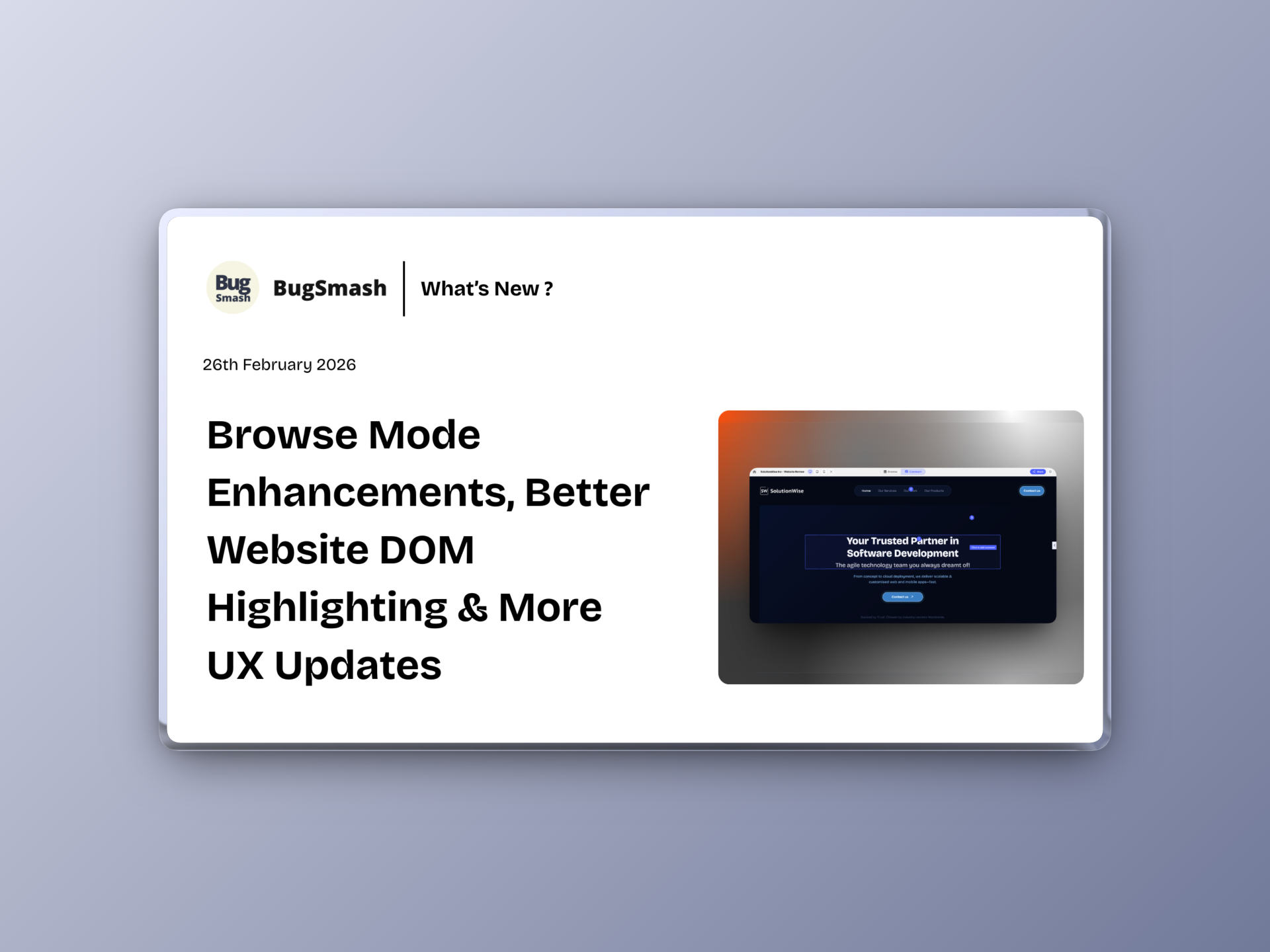
🚀 Browse Mode Enhancements, Better Website DOM Highlighting & More UX Updates
This update improves how users interact with image and website projects, refines DOM highlighting for clearer commenting, and enhances project thumbnail interactions for better collaboration visibility.
Coming soon this week: Folders in Folders 🔥
🆕 NEW: Rebuilt Automated Screenshots for Website Projects
Automated screenshots for website projects have been completely rebuilt from the ground up.
Now:
✅ Every comment records a near-perfect automated screenshot
✅ More accurate visual capture of the exact state
✅ Better reliability across dynamic pages
🖼️ NEW: Preview Mode for Image Projects
Image projects now support a Preview mode.
This allows users to:
✅ Zoom in and out freely
✅ Navigate without triggering the comment box
Perfect for reviewing details without accidentally entering comment mode.
👤 NEW: Update Email & Change Password (Profile Settings)
Users can now manage key account settings directly from their profile.
You can now:
✅ Update your email ID
✅ Change your password
✅ Manage account security in one place
🌐 Improvement: Better DOM Selector Highlighting (Website Projects)
Website commenting UX has been improved with clearer DOM selection highlighting.
What’s improved:
✅ More visible selector overlays
✅ Clearer indication of selected elements
✅ Better precision while adding feedback
🔘 NEW: Toggle Markers in Website Browse Mode
Website projects now allow marker toggling in Browse mode. Previously markers were by default hidden in Browse mode and shown in Comment mode.
Now, you can:
✅ Show or hide comment markers in Browse mode
👥 Improvement: Project Thumbnail Hover Details
Project thumbnails now provide more contextual visibility.
When hovering over the +3 (or more) user indicators, you’ll now see:
✅ Names of all members added to the project
✅ Clear pop-over visibility
✅ Better team awareness at a glance
Small UX refinement, better collaboration clarity.