🗓️ December 16th, 2025
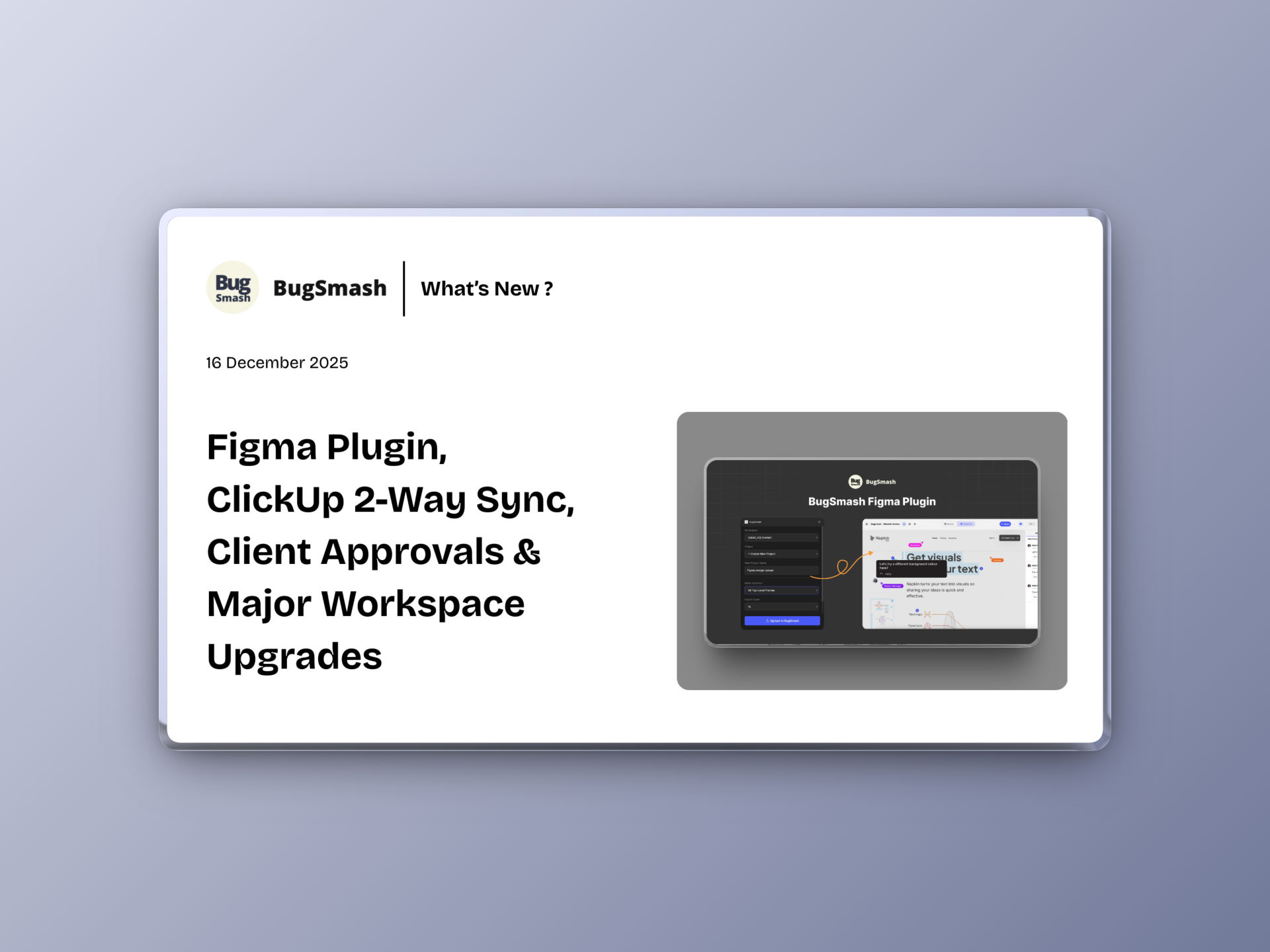
Figma Plugin, ClickUp 2-Way Sync, Client Approvals & Major Workspace Upgrades
🚀 Stronger Collaboration, Faster Reviews & Powerful Workflow Control!
This update brings big improvements across integrations, client workflows, permissions, and AI output quality. We’ve also refreshed multiple UI/UX elements to make your workspace smoother and more intuitive than ever.
🆕 NEW: Figma Plugin
You can now instantly export selected Figma frames to BugSmash — no downloading, no exporting manually.
This makes sharing designs with clients effortless:
✅ Select any frame inside Figma and export it directly
✅ Frames appear inside BugSmash as clean, ready-to-review screens
✅ Clients can view & drop feedback without logging in anywhere
A frictionless bridge between design and client feedback.
🔄 NEW: ClickUp 2-Way Sync
ClickUp now syncs both ways — automatically.
This upgrade gives you:
✅ Real-time sync between BugSmash and ClickUp
✅ Status updates reflected on both sides
✅ Replies added on BugSmash comments also sync back to ClickUp
✅ Perfect alignment for product, design, and engineering
No more duplicate tracking. Everything stays in sync.
✔️ NEW: Clients/Guests Can Mark Projects as Approved
Your clients now have the power to approve a project directly.
This brings:
✅ Faster sign-offs
✅ Clearer completion signals
✅ Reduced back-and-forth during final review
A smoother finish to every project.
🤖 Better AI Review Output
AI review results are now more accurate, structured, and actionable.
Expect:
✅ Cleaner summaries
✅ More precise issue spotting
✅ Better recommendations
Smarter insights = better decisions.
👥 NEW: Collaborator Role
A brand-new role designed for freelancers and external contributors.
This role allows:
✅ Freelancers to upload projects into your workspace
✅ Limited permissions for safety
✅ Full collaboration without full access
Perfect for agencies and distributed teams.
🎨 UI/UX Improvements Across the App
We’ve polished multiple areas for a smoother experience:
✅ Cleaner layout
✅ Smoother interactions
✅ More consistent design across screens
Small details, big difference.