🗓️ August 22, 2025
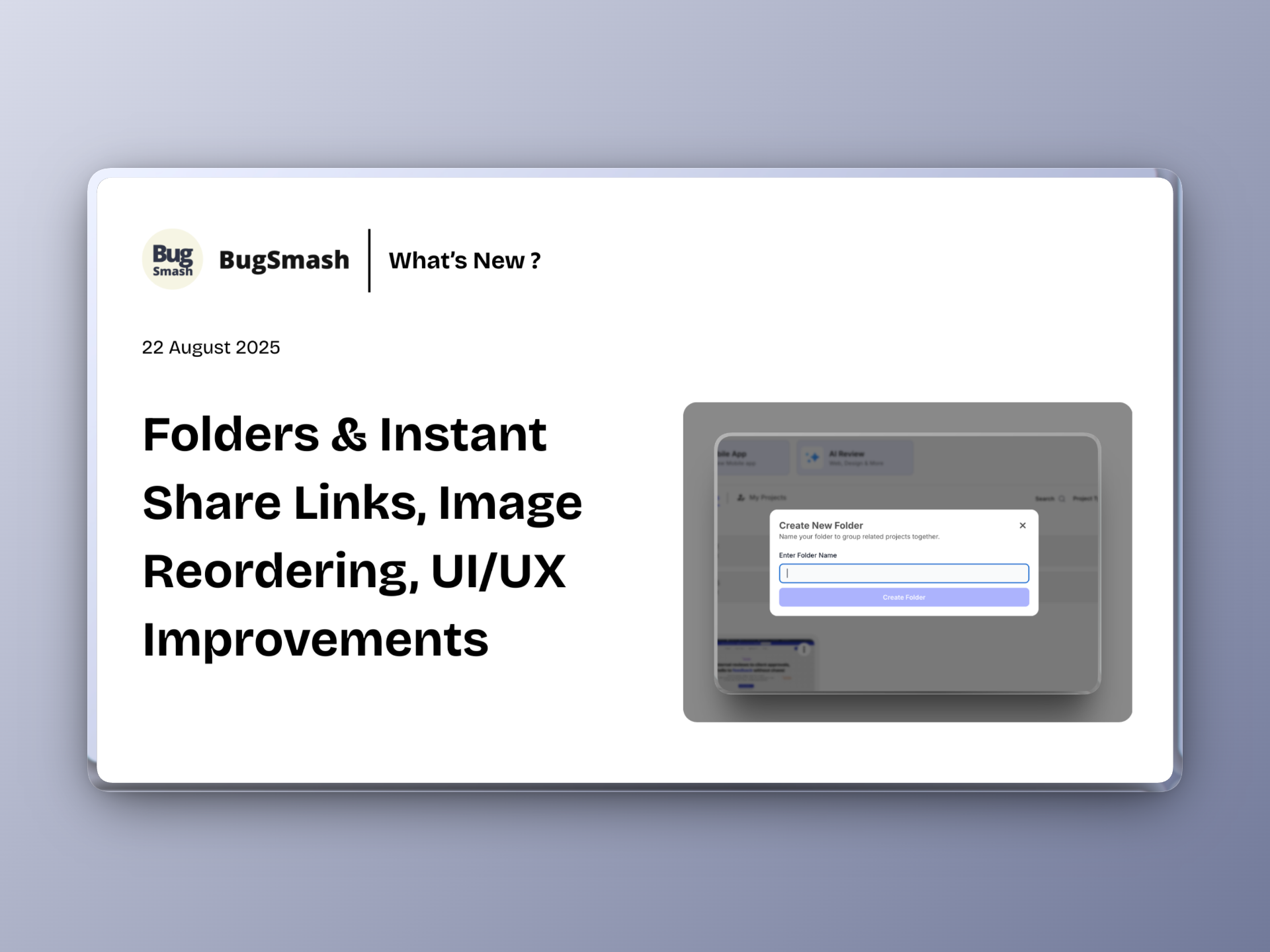
Folders & Instant Share Links, Image Reordering, UI/UX Improvements
This month, we’ve focused on making BugSmash faster, cleaner, and more collaborative. From big usability wins to small but mighty polish, here’s what’s new:
✨ New Features
📂 Folders Everywhere – You can now move projects into folders directly from the project 3-dot menu. Organize on the fly without breaking your workflow.
🔗 Instant Share Links – Every new project now auto-generates a share URL the moment it’s created. No more waiting to hit “Share” before you can collaborate.
🖼️ Rearrange Images in Projects – Drag, drop, and reorder images in your Image projects for the perfect workflow.
💡 “What’s New” & “Got Feedback?” Buttons – Always know the latest updates and share your feedback directly from the sidebar.
🎨 UI & UX Improvements
🗂️ Comment Sidebar Revamp – The toggle arrow is now centered in the sidebar for quick access, and we’ve removed the redundant top comment icon.
💬 Comment Box Glow-Up – Bigger text area + smoother rounded corners = cleaner, more inviting comment writing.
📏 Slimmer Top Bar – Reduced header height makes more room for what matters: your work.
⏱️ Faster Loading Experience – Replaced the clunky “Please Wait” overlay with a lightweight spinner + message. Now you can keep moving without feeling blocked.
🛠 Fixes & Polish
🌐 Proxy Update – Fixed Google Fonts loading issues in website projects. Your designs now render exactly as intended.
🙅♂️ Guest Mode Clean-Up – Guests won’t see “Upgrade” prompts anymore. Cleaner experience for external reviewers.
🔧 Upgrade Popup Behavior – Upgrade prompts now stack properly instead of closing your comment windows.
📝 Screenshot View Bug – Guests can now comment seamlessly in screenshot view. No more broken comment submissions.
🧭 Dashboard Tidy-Up – Removed free tools from the left menu to keep navigation focused.
⚡ Guest Permissions Update – Guests can now update task priorities directly—empowering collaborators without friction.