🗓️ April 19th, 2026
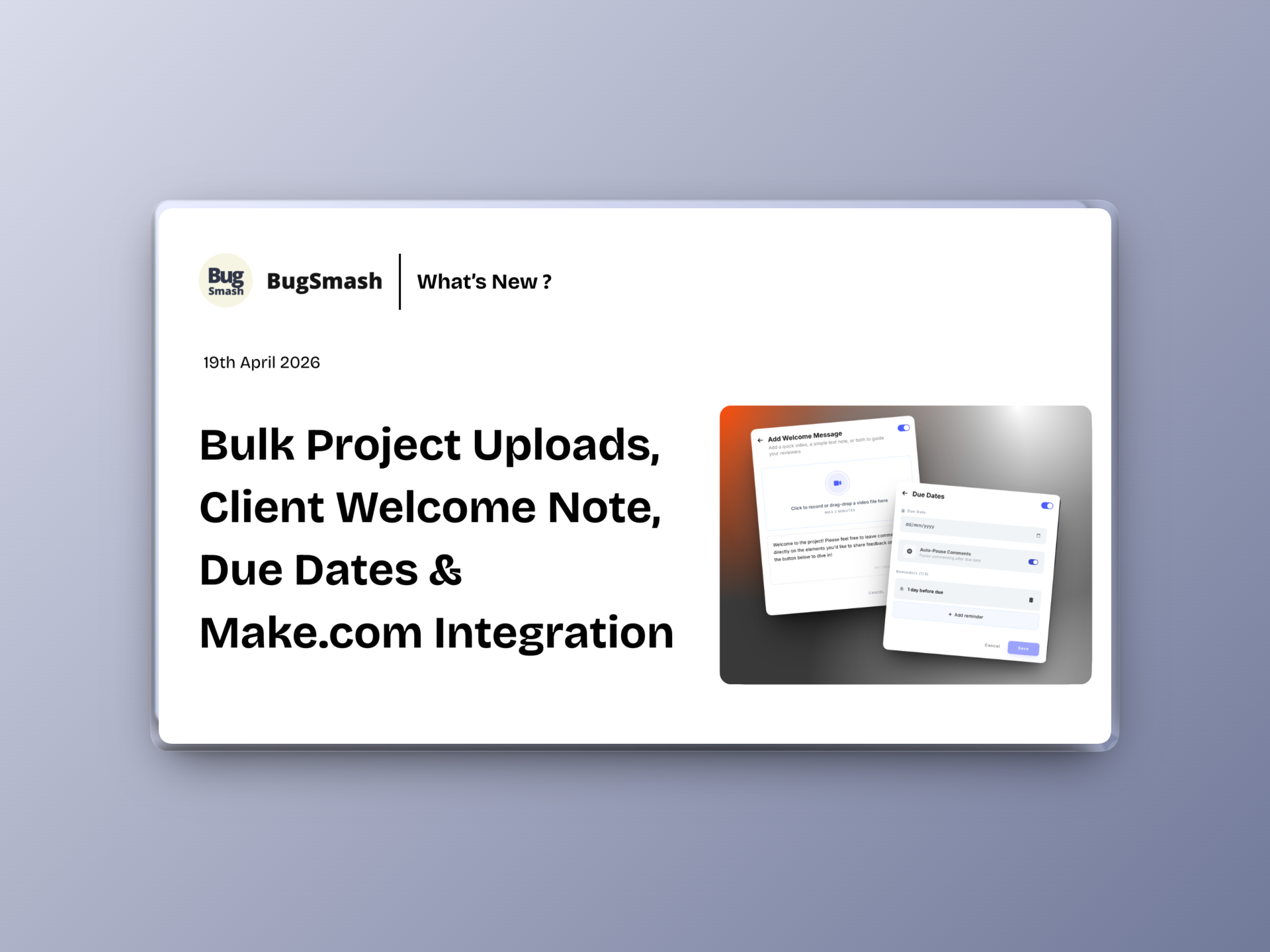
🚀 Bulk Project Uploads, Client Welcome Notes, Due Dates & Make Integration
This update brings major improvements to how projects are created and managed, adds scheduling capabilities, enhances client communication, and upgrades the mobile experience to match the web.
🔗 NEW: Make.com Integration

You can now connect BugSmash with Make.com to automate workflows and streamline your processes across tools.
📂 NEW: Bulk Upload Projects

You can now upload multiple files at once to create projects in bulk.
✅ Drag & Drop multiple files directly into a folder or workspace dashboard
✅ Automatically create multiple projects in one go
✅ Save time when handling large batches of work
📝 NEW: Custom Welcome Note for Clients


You can now personalize the experience for your clients.
✅ Record a 1–2 min video explaining the project/work or write a custom text note
✅ Help guests understand context before reviewing
✅ Create a more intuitive and guided feedback experience
⏰ NEW: Due Dates & Reminders


Projects now support deadlines and reminders.
✅ Set due dates for projects
✅ Send reminders for pending feedback
✅ Auto pause on due date
💬 NEW: Generic Comments (No Annotation Required)

You can now add general notes as comments without having an annotation on the file. There are times when we need to contextually communicate - but not all comments need a pin. Now, no need to jump on emails or slack for such notes!
✅ Drop general comments directly in the comment sidebar
✅ Add high-level or overall comments
📱 NEW: Mobile App Upgrade
The mobile app now supports folders and matches web capabilities.
✅ Full folder support
✅ Feature parity with web experience
✅ Better usability on mobile devices
🌏 NEW: Traditional Chinese Language Support

We’ve added support for Traditional Chinese.
✅ Better accessibility for more users
✅ Localized experience for global teams
🖼️ NEW: SVG Support

SVG files are now supported across the platform.
✅ Use SVGs in Image Projects
✅ Attach SVG files in comments and replies
✅ Work with scalable graphics seamlessly
🎨 Improvement: Workspace Logo in Sidebar

You can now add Workspace level custom image/logo for your internal teams. Visible in the sidebar of the dashboard. Upload now in your workspace settings.
🛠️ Fix: Mobile Responsive Issues
We’ve resolved multiple issues in the responsive mobile view.
✅ Improved layout consistency
✅ Better responsiveness across devices
✅ Smoother mobile experience