🗓️ February 6th, 2025
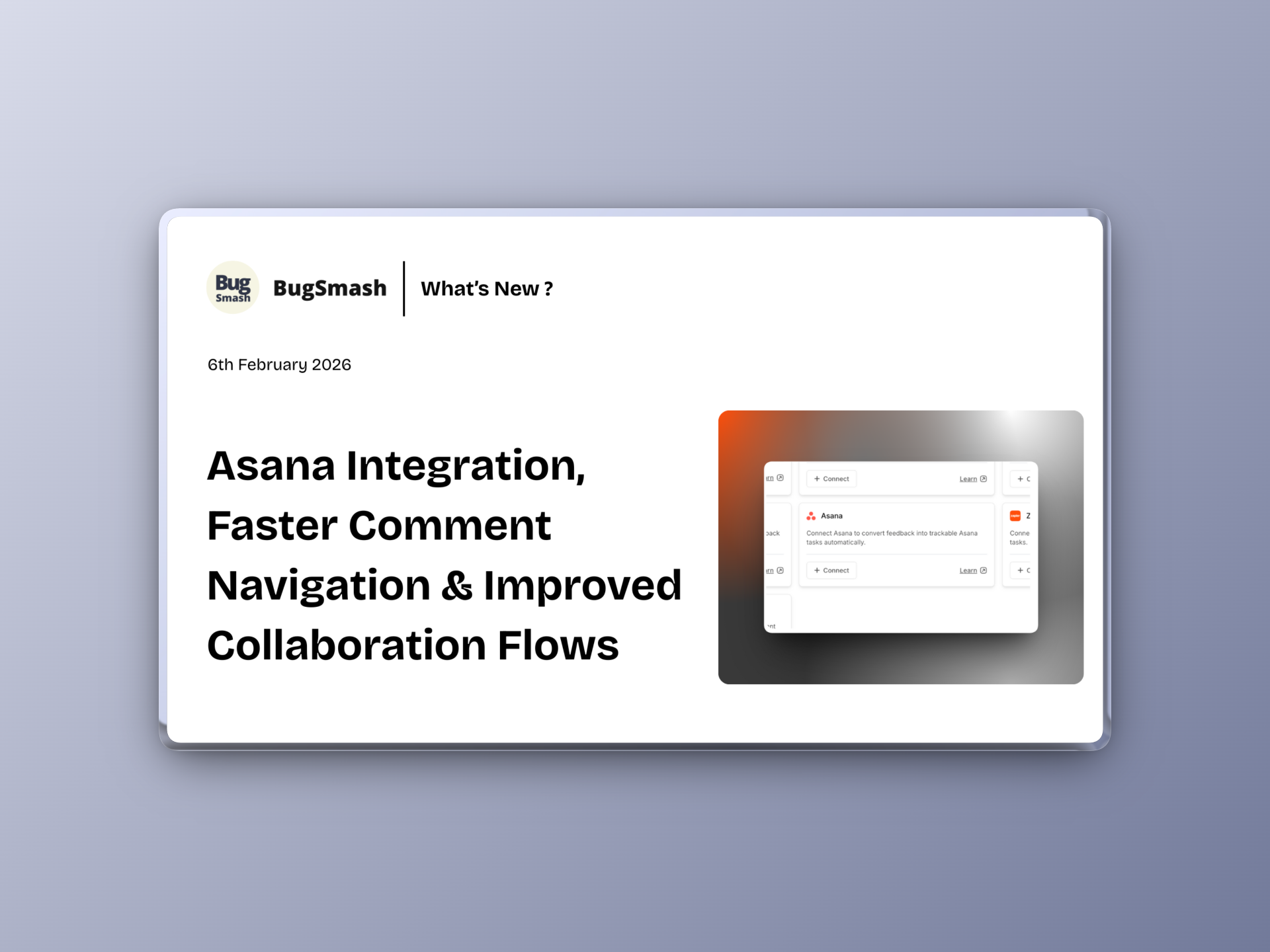
🚀 Asana Integration, Faster Comment Navigation & Improved Collaboration Flows
This update introduces a refreshed Asana integration experience, adds smoother comment navigation, improves collaboration flows across folders and projects, and polishes multiple UI/UX touchpoints. We’ve also shipped important fixes to improve stability and usability.
🆕 NEW: Asana Integration & UX Improvements
The Asana integration experience has been refined to make syncing feedback and tasks smoother and more intuitive.
Expect:
✅ Improved overall integration flow
✅ Clearer syncing behavior
✅ Better experience while connecting and working with Asana
🆕 NEW: Next / Previous Buttons in Comment Sidebar
Navigating comments just got easier.
When you click on a comment, you can now:
✅ Jump to the next comment instantly
✅ Go back to the previous comment
✅ Review feedback faster without losing context
Perfect for projects with lots of comments.
📁 Improvement: Folder-Level Collaboration Sync
Folder collaboration is now smarter.
What’s improved:
✅ Collaborators added to a folder can view newly created projects automatically
✅ No need to invite them again for each new project
✅ Seamless access management at scale
📨 Improvement: Faster Acceptance for Collaborators & Guests
Inviting existing collaborators or guests is now frictionless.
Now:
✅ Existing collaborators/guests are added automatically when you invite them.
✅ No need for them to click Accept again
✅ Faster access, fewer steps
📄 Improvement: Persistent Zoom Settings for PDFs
PDF reviews are now more consistent.
What’s changed:
✅ Zoom level settings persist across pages
✅ No need to re-adjust zoom while navigating
✅ Smoother document review experience
🎨 Improvement: Custom Branding Improvement for Emails
For Custom branding enabled users - emails are now primarily labelled with your Brand name.
Now:
✅ Prominent BugSmash name is now replaced with your brand name
✅ Applies to email subject lines
✅ Also reflected in the main body title
A more cohesive, branded client experience.
🌐 Improvement: Hidden Website Link Behavior
Website privacy controls have been improved.
When Hide website link is enabled:
✅ The base URL is now hidden
✅ Applies to the comment sidebar as well
✅ Cleaner and more private client views
🖱️ Improvement: Tooltips for Review Modes
Understanding review modes is now easier.
You’ll now see tooltips on hover for:
✅ Desktop mode
✅ Mobile mode
✅ Tablet mode
✅ Screenshot mode
Quick clarity without guessing.
👥 Improvement: Clearer Role Descriptions in Workspace Settings
Workspace roles are now easier to understand.
We’ve added:
✅ More descriptive explanations for Members
✅ Clearer descriptions for Collaborators
✅ Better clarity while managing access
🛠️ Fix: Cursor Behavior in Browse Mode
We fixed an issue in Browse mode.
✅ Cursor icon no longer switches incorrectly to comment mode
🛠️ Fix: Thumbnail Generation Issues
Thumbnail generation has been stabilized.
✅ Fixed issues affecting thumbnails for certain projects
✅ More reliable previews across the workspace