🗓️ February 11th, 2025
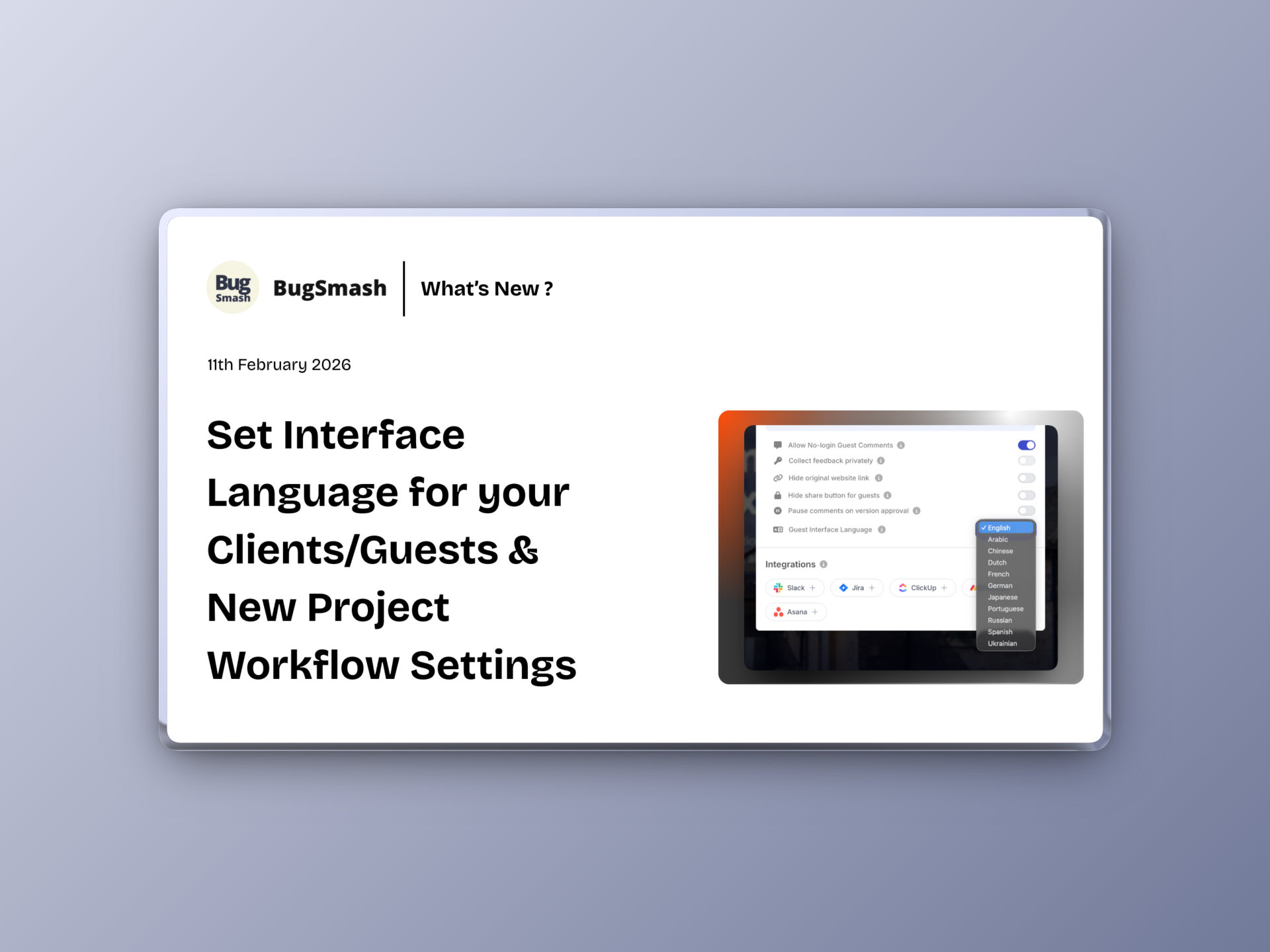
🚀 Option to set Interface Language for your Guests, Auto-Pause on Approval & Project Control Updates
This update gives you better control over how clients and guests experience your projects, introduces smarter approval behavior, and refines project settings for a faster, cleaner workflow overall.
🆕 Language Selection for Client/Guest View

You can now choose the interface language for your Client/Guest view directly from Project Settings.
This allows you to:
✅ Select the preferred language for external viewers
✅ Create a more localized review experience
✅ Make feedback easier for international clients
Language settings can be configured from the Project Settings → Language dropdown.
⏸️ NEW: Auto-Pause Comments on Approval

You can now enable automatic comment pausing once a project is approved.
This helps you:
✅ Prevent new comments after final approval
✅ Avoid scope creep post sign-off
✅ Keep project closure clean and controlled
Fully configurable from Project Settings.
🔒 NEW: Hide Share Button for Guests

You now have the option to hide the Share button from guests.
This ensures:
✅ Better control over link distribution
✅ Reduced accidental re-sharing
✅ More privacy in controlled review flows
Also available within Project Settings.
⚙️ Improvement: Revamped Project Settings & Share UI


Project Settings and the Share interface have been redesigned.
What’s improved:
✅ Cleaner layout
✅ Better grouping of controls
✅ More intuitive configuration flow
⚡ Improvement: Success Toast Repositioned
We’ve moved the success toast message that previously appeared in the top-right corner.
Now:
✅ It no longer interrupts workflows
✅ Reduced visual distraction
✅ Smoother user experience during repeated actions
Small UI tweak, big flow improvement.